Lighting a desk with a computer on it is surprisingly tricky. A normal desk lamp takes up space the monitor and keyboard need, and if it points the wrong way it reflects off the screen and makes it harder to read. A monitor light bar solves both problems by sitting on the screen itself and aiming its light down onto the desk.
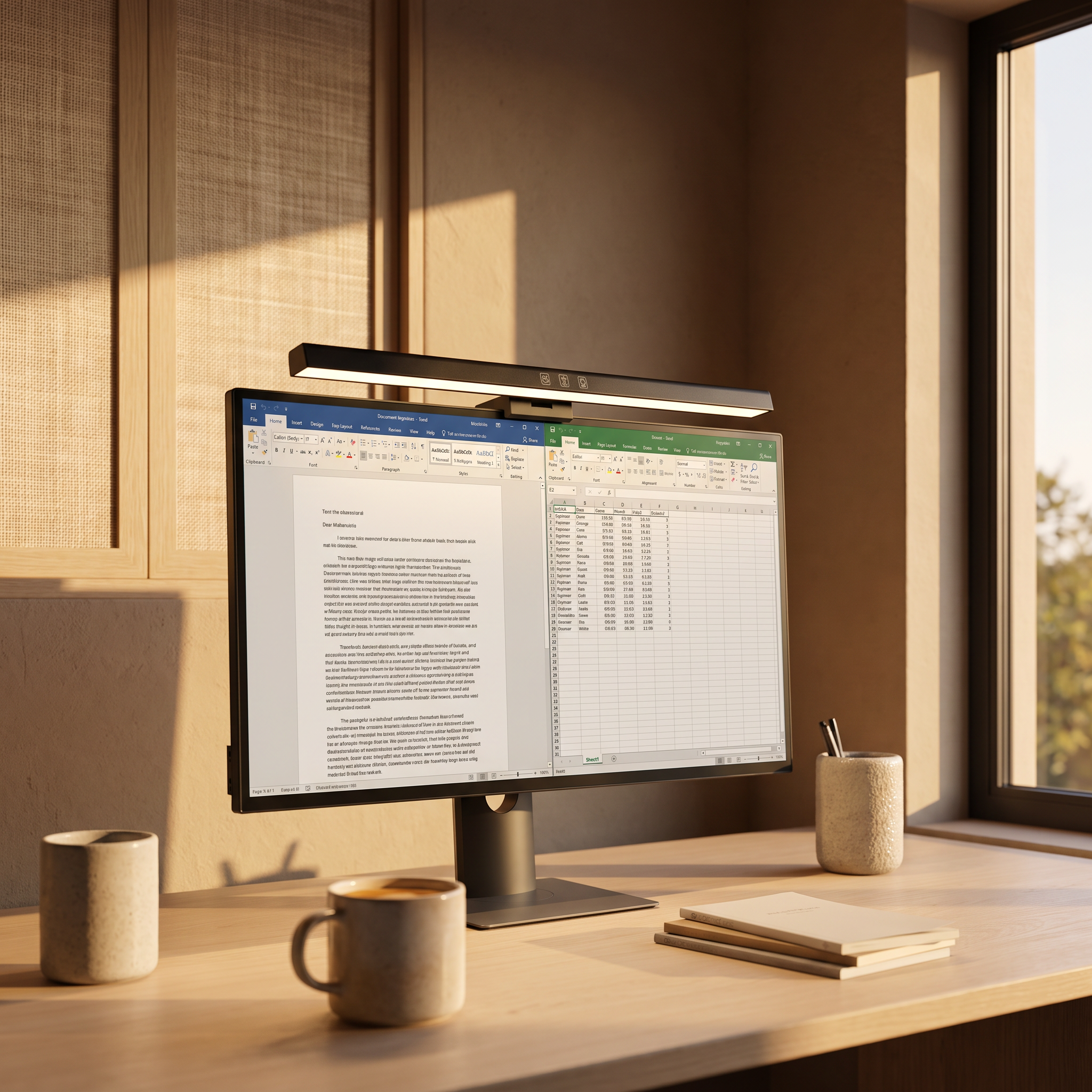
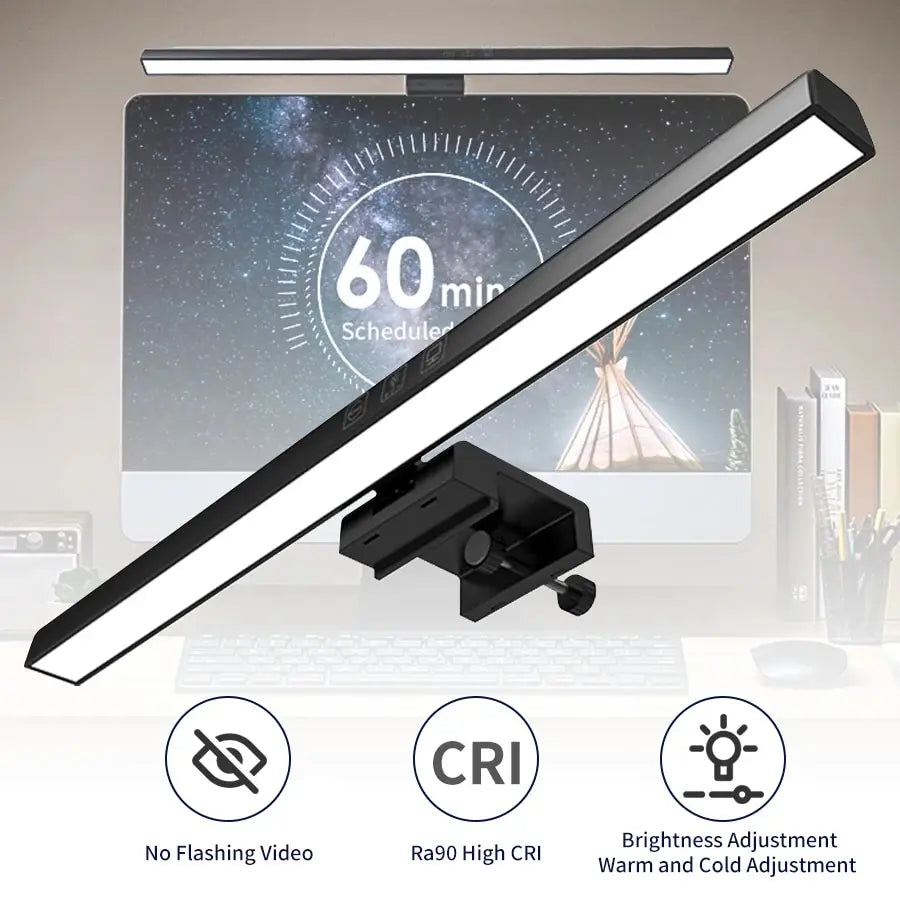
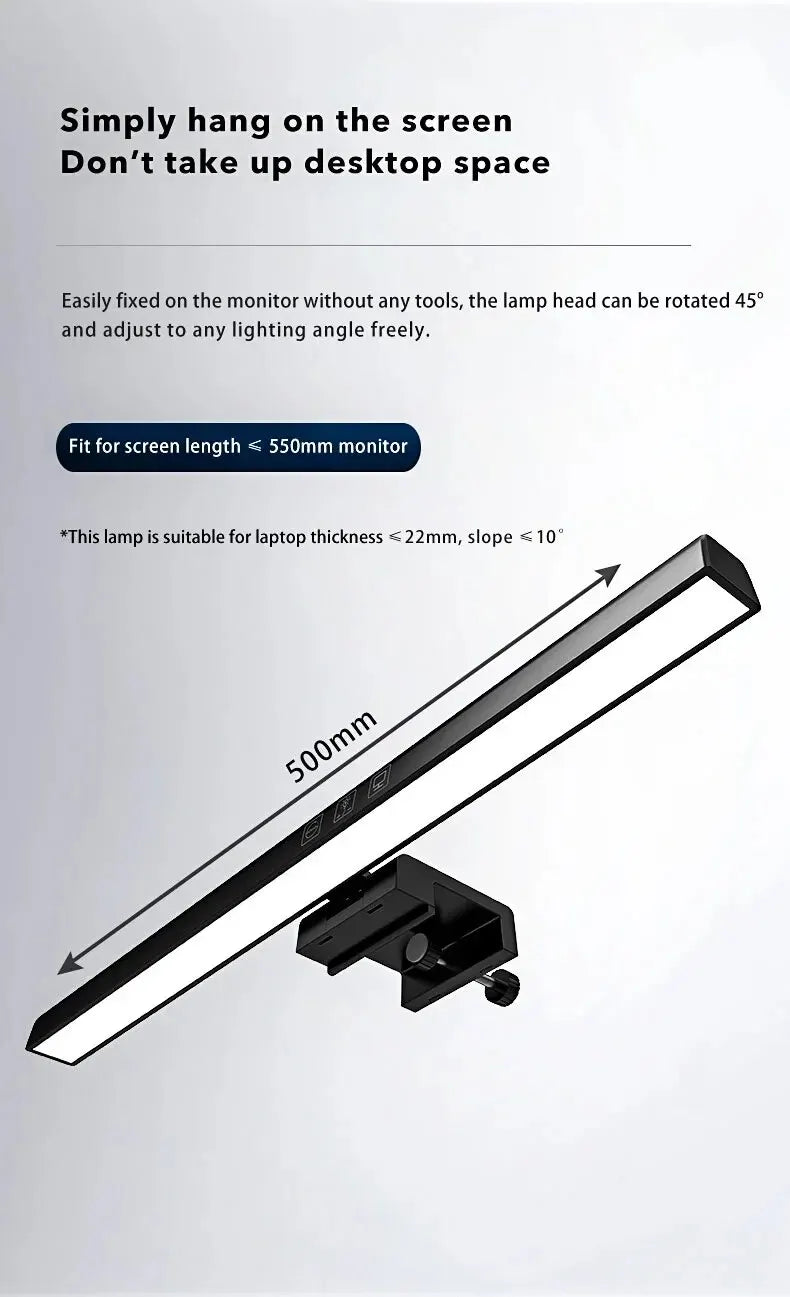
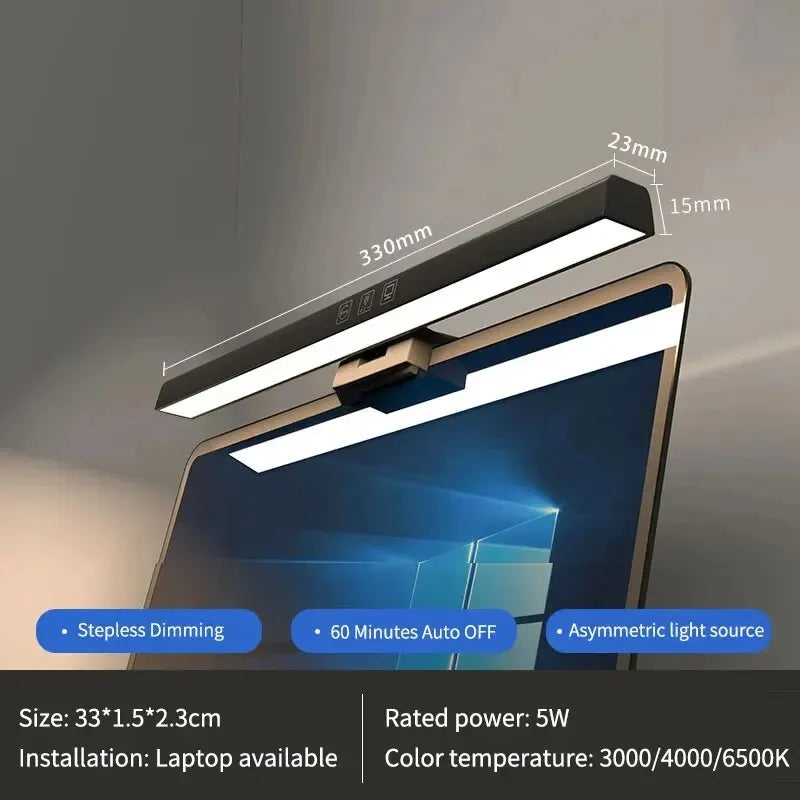
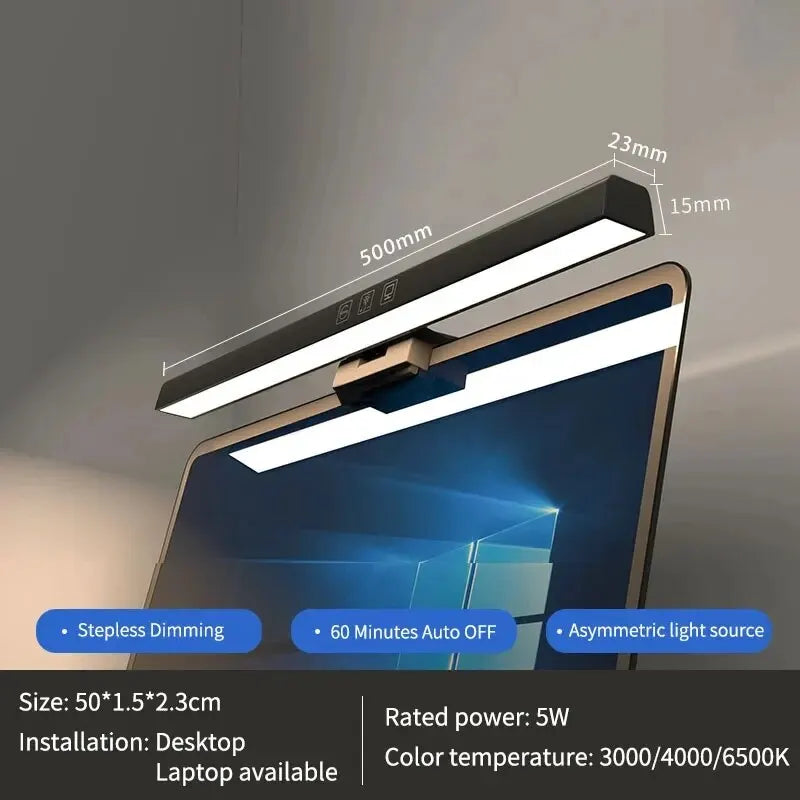
The Computer Monitor Screen Light Bar rests on the top edge of your monitor with a weighted clip that fits screens up to 0.87 inches thick. It comes in 13 inch and 19.7 inch lengths, has a built in LED, switches between warm and cool light, dims from a soft glow to full brightness, and runs from a single USB cable.
What makes the monitor light bar stand out
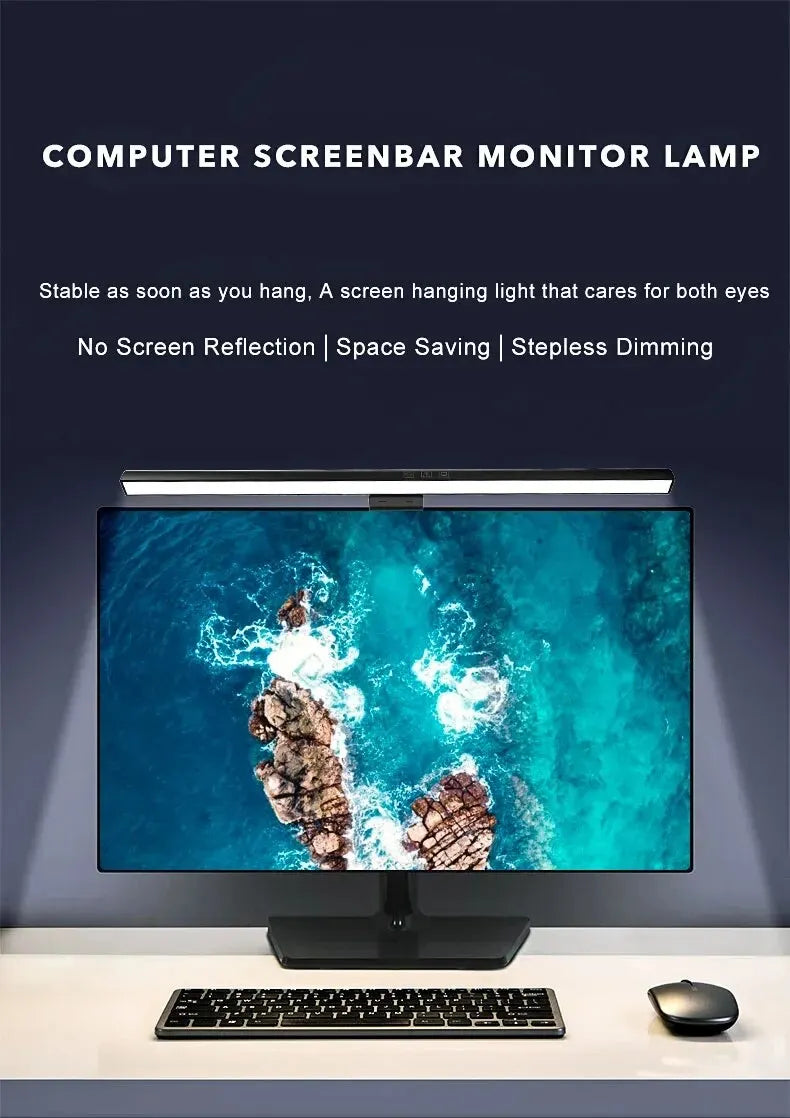
The direction of the light is the whole point. The bar aims down onto the desk rather than at the screen, so your keyboard and papers are lit while the display stays clean and readable. There is no reflection across the monitor to squint through.
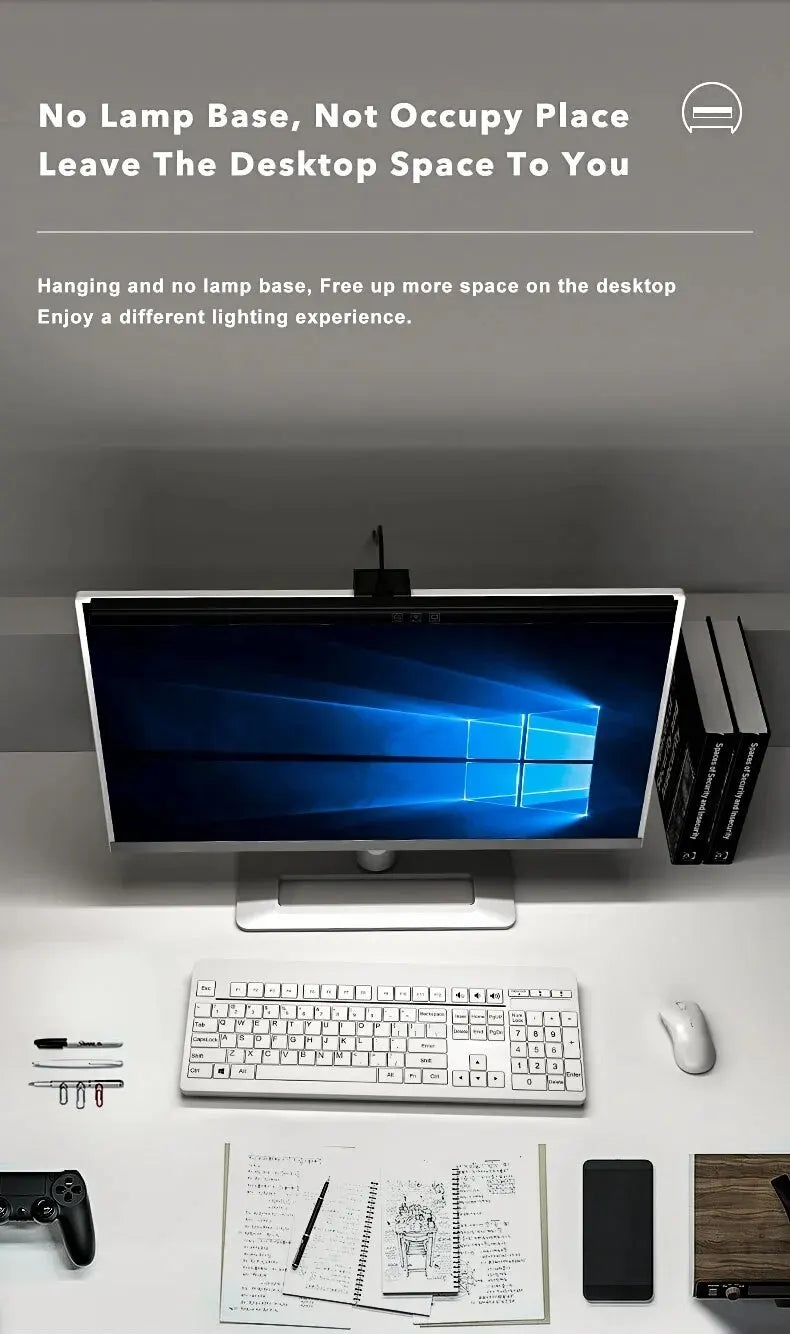
It takes up no desk space. Because it sits on the monitor, there is no lamp base, no arm and no clamp on the desk. For a small desk or a crowded setup, that alone makes a big difference.
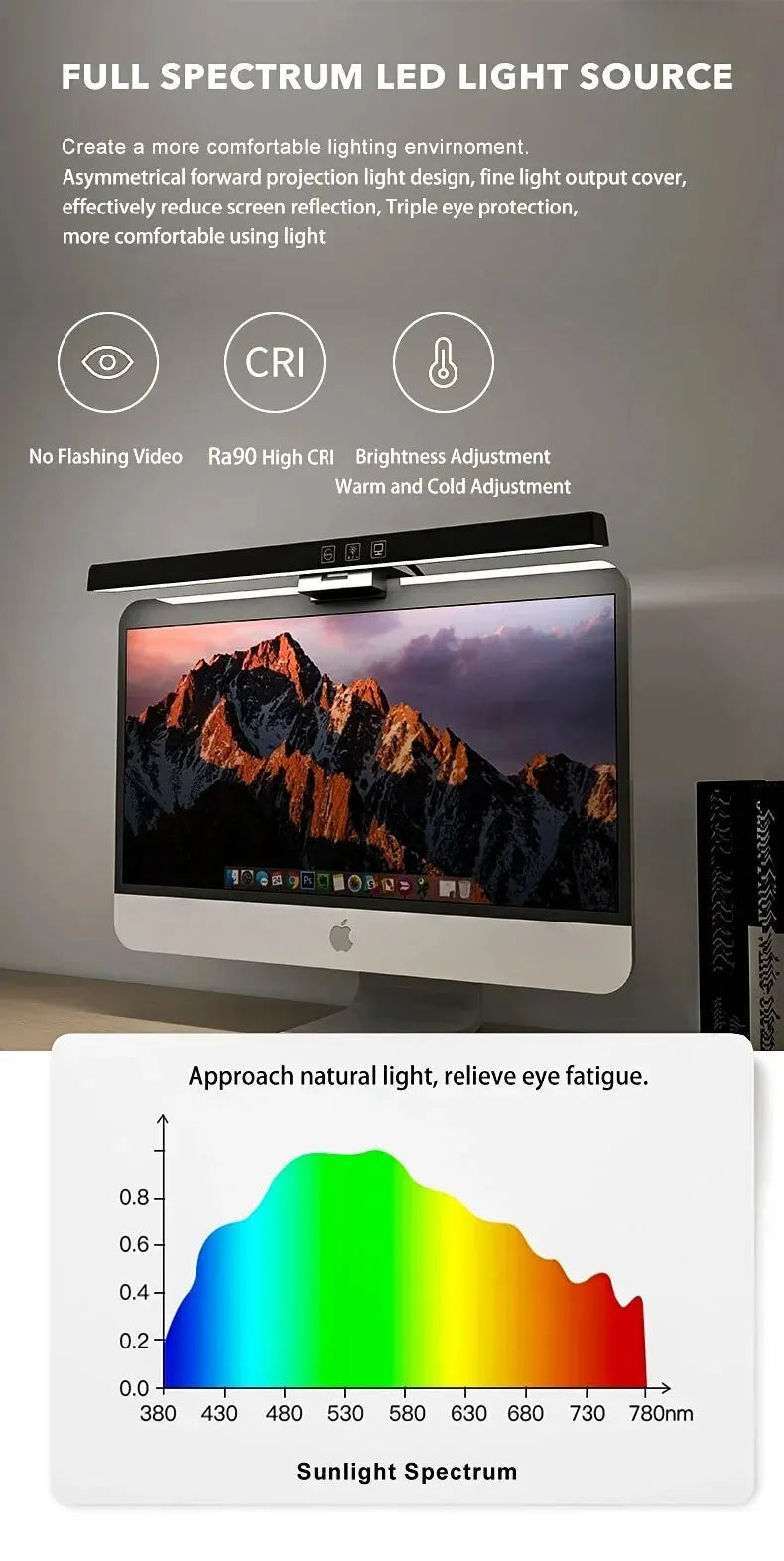
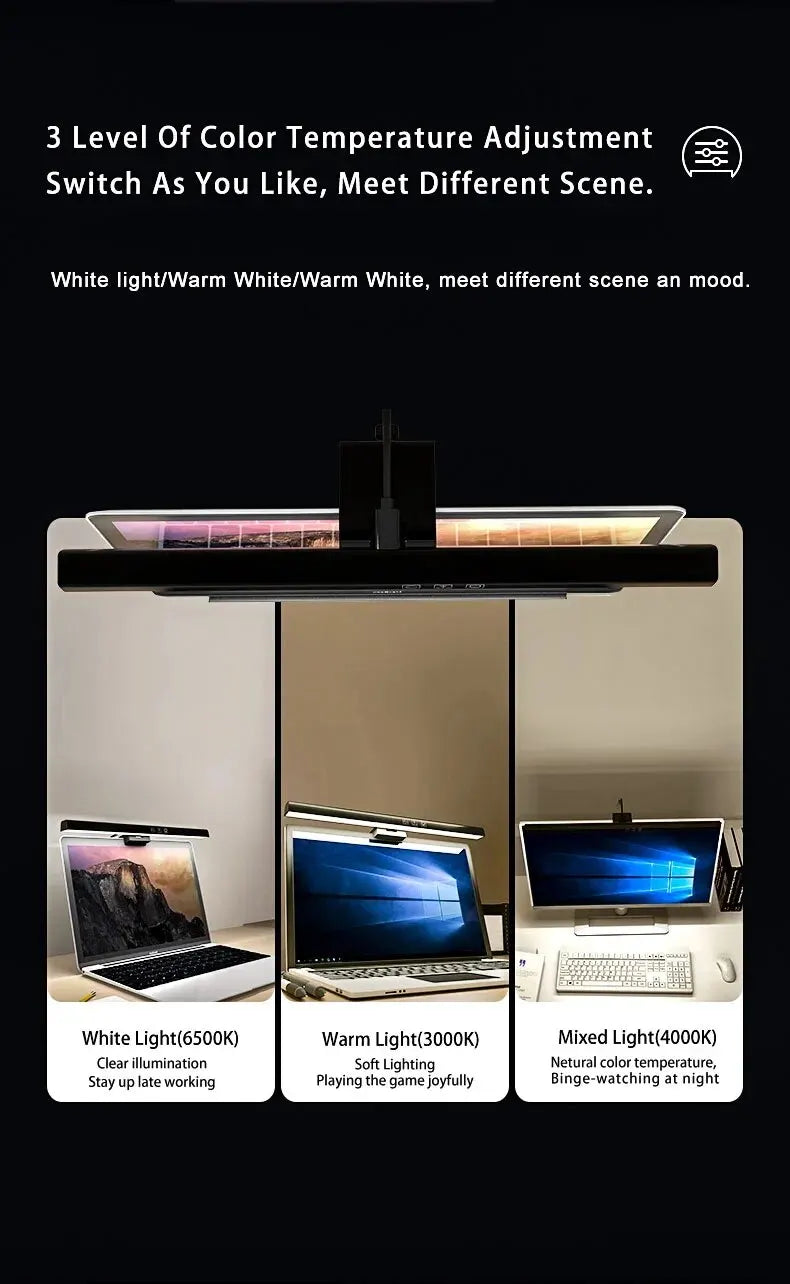
Warm and cool light suit different moments. Cool light is crisp and helps you focus during the day, while warm light is gentler for evening work. Dimming lets you go from a soft glow to full brightness, so the light can match the room around you.
A single USB cable keeps it tidy. There is no separate power adapter to find a socket for, and the cable can run neatly down the back of the monitor.
The two lengths fit different screens. The 13 inch bar suits a standard monitor, and the 19.7 inch bar spreads light across a wide or ultrawide screen, so the whole desk in front of you is evenly lit.
The built in LED means there is no bulb to buy or replace.
Where it looks best, room by room
- Home offices. On the main work monitor for long days.
- Gaming setups. Lighting the keyboard without glare on the screen.
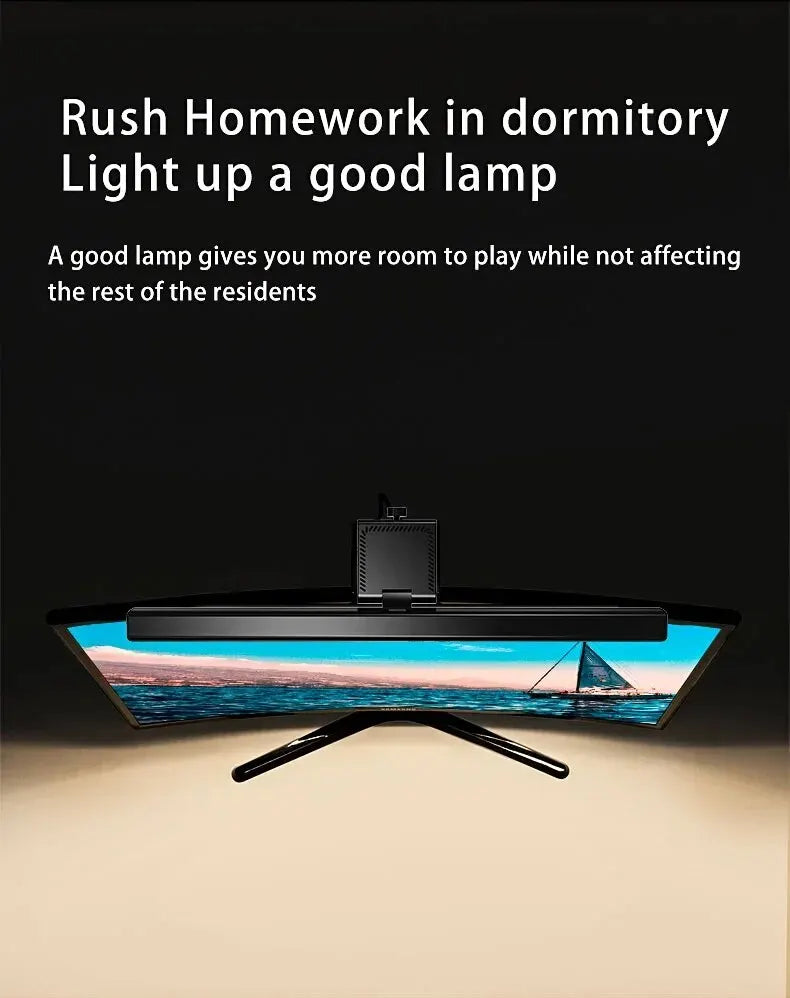
- Student desks. Light for notes and homework without a lamp base.
- Small apartments. A desk light that needs no extra space.
- Studios. Even light over a drawing tablet or sketchbook.
It suits modern, minimalist workspaces best, where a clean desk and a clear screen matter.
Choosing the size and placement
The bar comes in 13 inch and 19.7 inch lengths, and both use a weighted clip that fits monitors up to 0.87 inches thick. The Dimensions section above lists both options.
A few guidelines help:
- Match the length to the screen: 13 inches for a standard monitor, 19.7 inches for a wide or ultrawide one.
- Check that the top edge of your monitor is flat enough for the bar to sit on.
- Avoid strongly curved or very thin top edges, which will not hold the bar steady.
- Center the bar on the monitor so the light falls evenly across the keyboard.
- Run the USB cable down the back of the monitor to keep it out of sight.
If you use two monitors side by side, a bar on the main screen is usually enough to light the keyboard and the area in front of you.
Start with the light dimmed and raise it until the keyboard is clear without the desk looking harsh. A little less light than you expect is often more comfortable for long sessions.
Layering it with other lighting
A monitor light bar is a task layer. It lights the area right in front of the screen but not the whole room. Pair it with a ceiling light or a floor lamp so the room is not dark around the desk, which is easier on the eyes than a single bright spot.
Browse the table lamps collection for a lamp to warm the rest of the room, or the LED strip lights collection for soft light behind the desk.
A soft light behind the monitor, such as an LED strip, combined with the light bar in front makes a comfortable setup for evening work, with no harsh contrast between the bright screen and a dark wall.
For video calls, keep the bar on a warm, moderate setting and add a soft light in front of you, so your face is lit clearly without glare on your glasses or the screen.
Because the bar weighs down onto the monitor rather than clamping to it, it can be lifted off and moved to another screen in seconds, which suits a shared desk or a laptop setup that changes during the week.
Is the monitor light bar right for your space?
This light is a strong fit if you:
- Want to light your keyboard without glare on the screen.
- Have little or no spare space on your desk.
- Like warm and cool light with dimming.
- Have a monitor with a flat top edge up to 0.87 inches thick.
It is not the right choice if your monitor has a strongly curved or very thin top edge, or if you need a lamp to light a large area. For those, a clamp desk lamp or a floor lamp will suit better.
Every order ships free across the US and most arrive in 6 to 9 business days. Unused items in their original packaging can be returned within 30 days of delivery, and questions about monitor fit are answered at info@norafurnish.com.