Lighting a desk that has a computer on it is harder than it looks. A regular lamp takes space the keyboard and mouse need, and if the light points even slightly toward the monitor, it shows up as a reflection that makes the screen harder to read. After an hour, your eyes feel it.
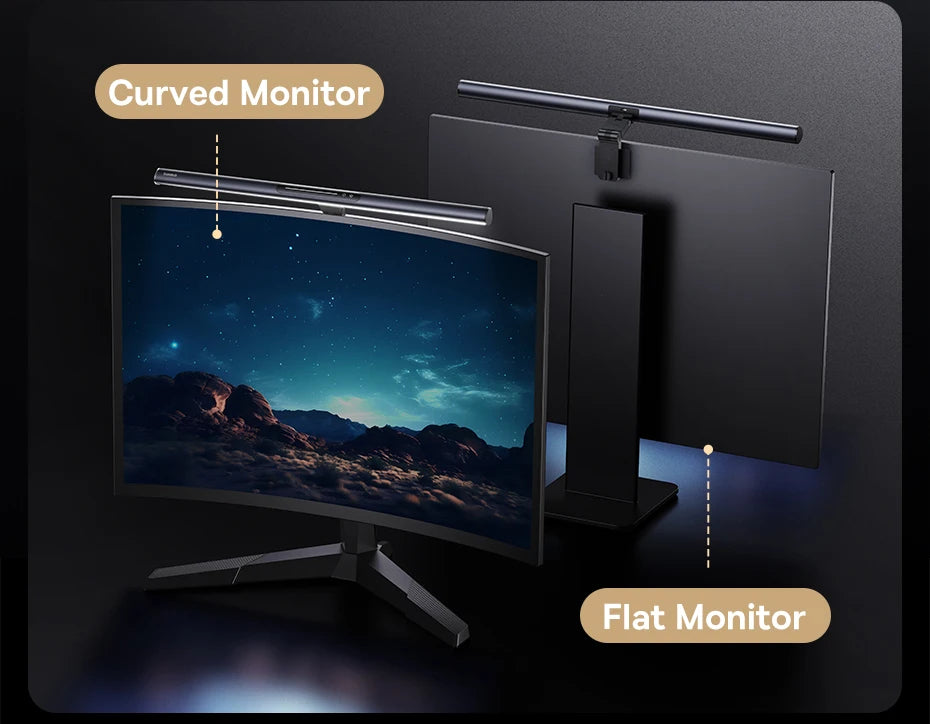
The Magnetic Screen Light Bar solves this by moving the light onto the monitor itself. The aluminum bar measures 19.1 inches long, 5.1 inches deep and 0.83 inches thick, weighs about 6.4 ounces and sits on the top edge of the screen. An asymmetrical light source aims down onto the desk, touch controls move it between warm and cool light, and a memory function restores your last setting.
What makes the screen light bar stand out
The asymmetrical beam is the key idea. Instead of spreading light in every direction, the bar sends it forward and down onto the keyboard, papers and desk surface, while almost none of it falls on the screen. Your work is lit, and the display stays clean and readable.
It takes no desk space. Because it rests on the monitor, there is no base, arm or clamp on the desk. On a small or crowded desk, that frees up room for a notebook, a second screen or simply some breathing space.
The touch controls make it easy to live with. Warm light is gentler in the evening, cool light is crisp for daytime focus, and the memory function means the bar comes on exactly as you left it rather than resetting every time.
The aluminum tube spans roughly 19 inches, which suits most standard and wide monitors, and at about 6.4 ounces it rests lightly on the screen. The LED is built in, so there is no bulb to replace.
Where it looks best, room by room
- Home office. On the main work monitor for long days and late finishes.
- Gaming setup. Lighting the keyboard in a dim room with no glare on the screen.
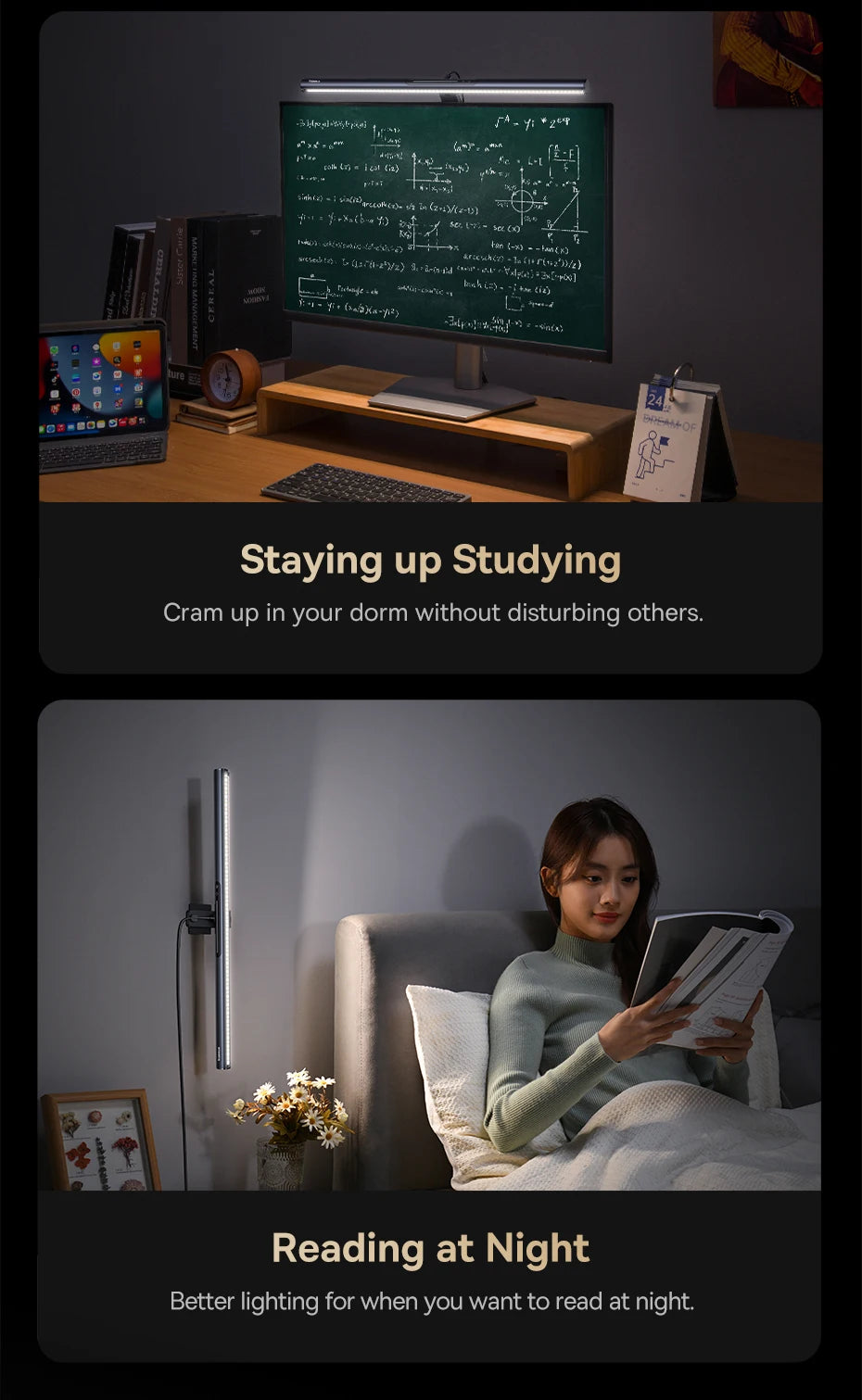
- Student desk. A clean study light that leaves room for books.
- Bedroom desk. A warm, low light for evening work that will not flood the room.
- Shared workspace. Focused light for one person without bothering others nearby.
It suits modern, minimal desk setups where cables and clutter are kept to a minimum. The slim metal bar almost disappears on top of a dark monitor.
Choosing the size and placement
The bar measures 19.1 inches long, 5.1 inches deep and 0.83 inches thick. Those numbers tell you what to check before ordering.
- Width. A 19.1 inch bar suits most standard and wide monitors; on a very narrow screen it will overhang the sides.
- Depth. It needs 5.1 inches of clearance behind the screen, so check that the monitor is not pushed tight against a wall or shelf.
- Top edge. The bar sits on the top edge, so the edge needs to be level enough to hold it steady.
- Angle. Tilt the bar so the light stops short of the display itself.
- Center. Position it in the middle of the monitor so light falls evenly across the keyboard.
If you use two monitors, a bar on the main screen usually lights the keyboard and the area in front of you well. Run any cable neatly down the back of the monitor to keep the setup tidy.
Start with a lower, warmer setting and adjust until the keyboard is clearly lit without the desk looking harsh. For long sessions, slightly less light than you expect is often the most comfortable.
Layering it with other lighting
A screen light bar is a task light for the area right in front of the monitor. Working with a bright screen in an otherwise dark room is tiring, so add a soft general light as well: a ceiling light, a floor lamp or a warm lamp on a shelf.
A soft light behind the monitor, such as an LED strip, combined with the bar in front makes a comfortable evening setup with less contrast between the bright screen and a dark wall. Browse the LED strip lights collection for that backlight, or the table lamps collection for a warm lamp elsewhere in the room.
For video calls, keep the bar warm and moderate and add a soft light in front of you, so your face is lit clearly without the bar reflecting in glasses or on the screen.
Using cool light during the day and warm light after sunset follows the natural rhythm of the day, which many people find easier on the eyes when they work late.
Is the screen light bar right for your space?
This light is a strong fit if you:
- Want to light your keyboard without glare on the screen.
- Have a standard or wide monitor with a level top edge.
- Have at least 5.1 inches of clearance behind the monitor.
- Like warm and cool light that remembers your setting.
It is not the right choice if your monitor is pushed right against a wall, if its top edge is too thin or rounded to hold the bar, or if you need to light a large table. For those, a clamp desk lamp or a table lamp will suit better.
Every order ships free across the US, and most arrive in 6 to 9 business days. Unused items in their original packaging can be returned within 30 days, and questions about monitor fit can be sent to info@norafurnish.com.