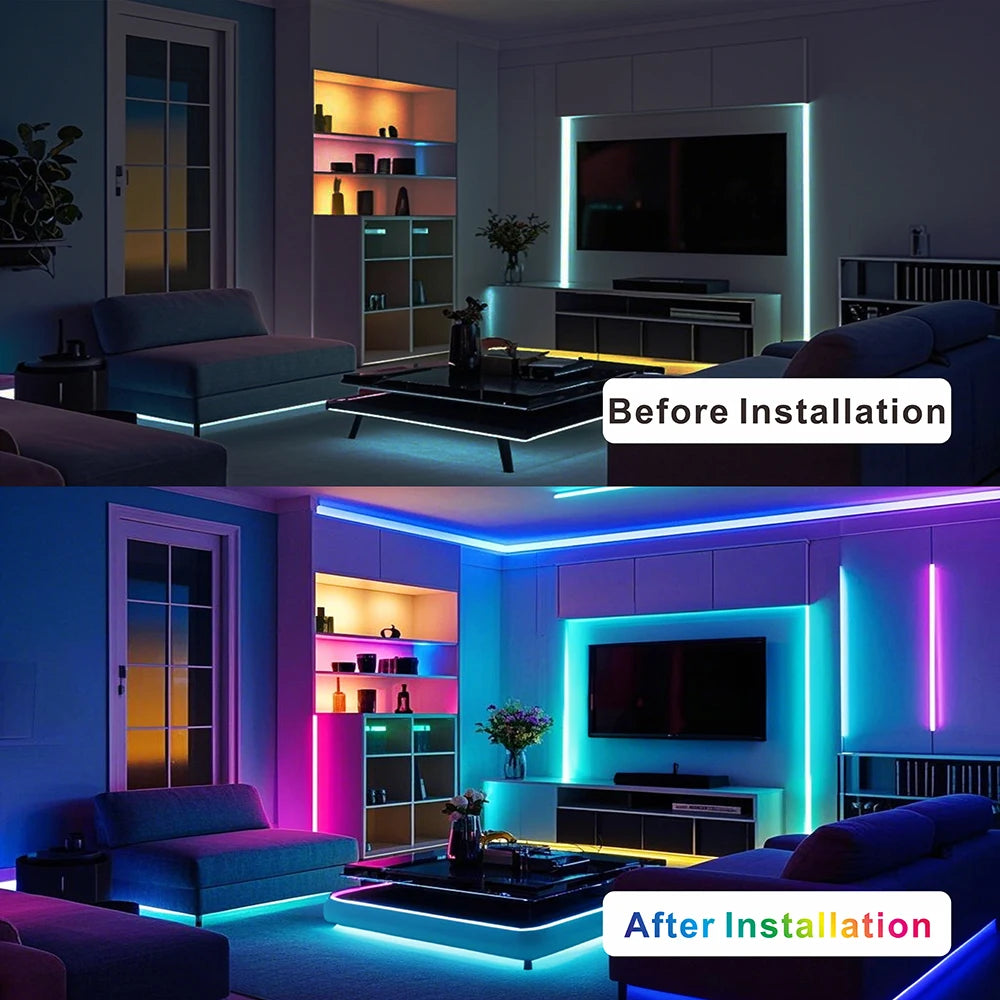
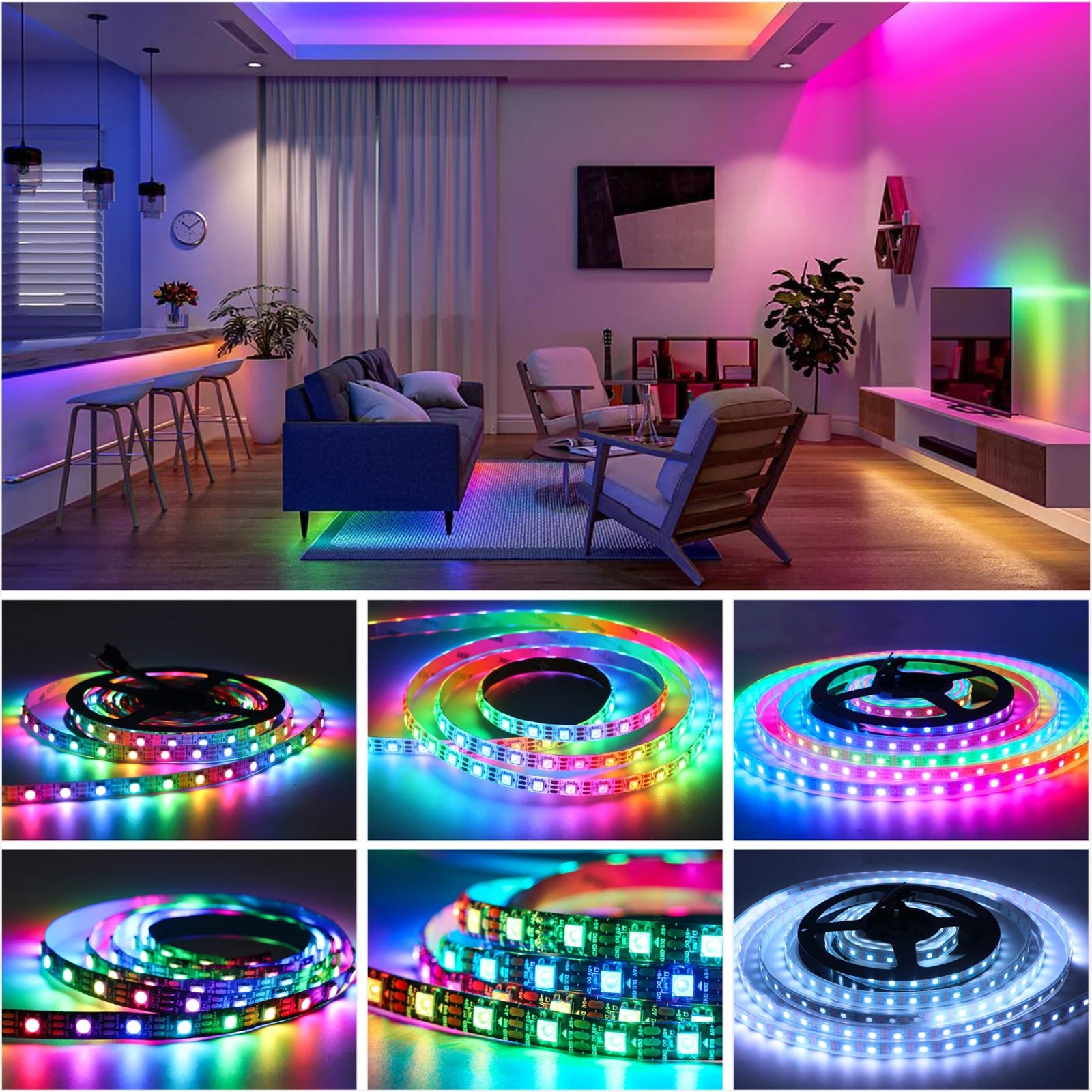
For anyone who wants lighting that moves, reacts and follows a design of their own, a standard LED strip quickly feels limited. The WS2812B Smart Pixel LED Strip removes those limits. Every pixel is individually addressable, so each LED can show its own color at its own moment, which makes chasing, breathing and color wave patterns possible along a single run.
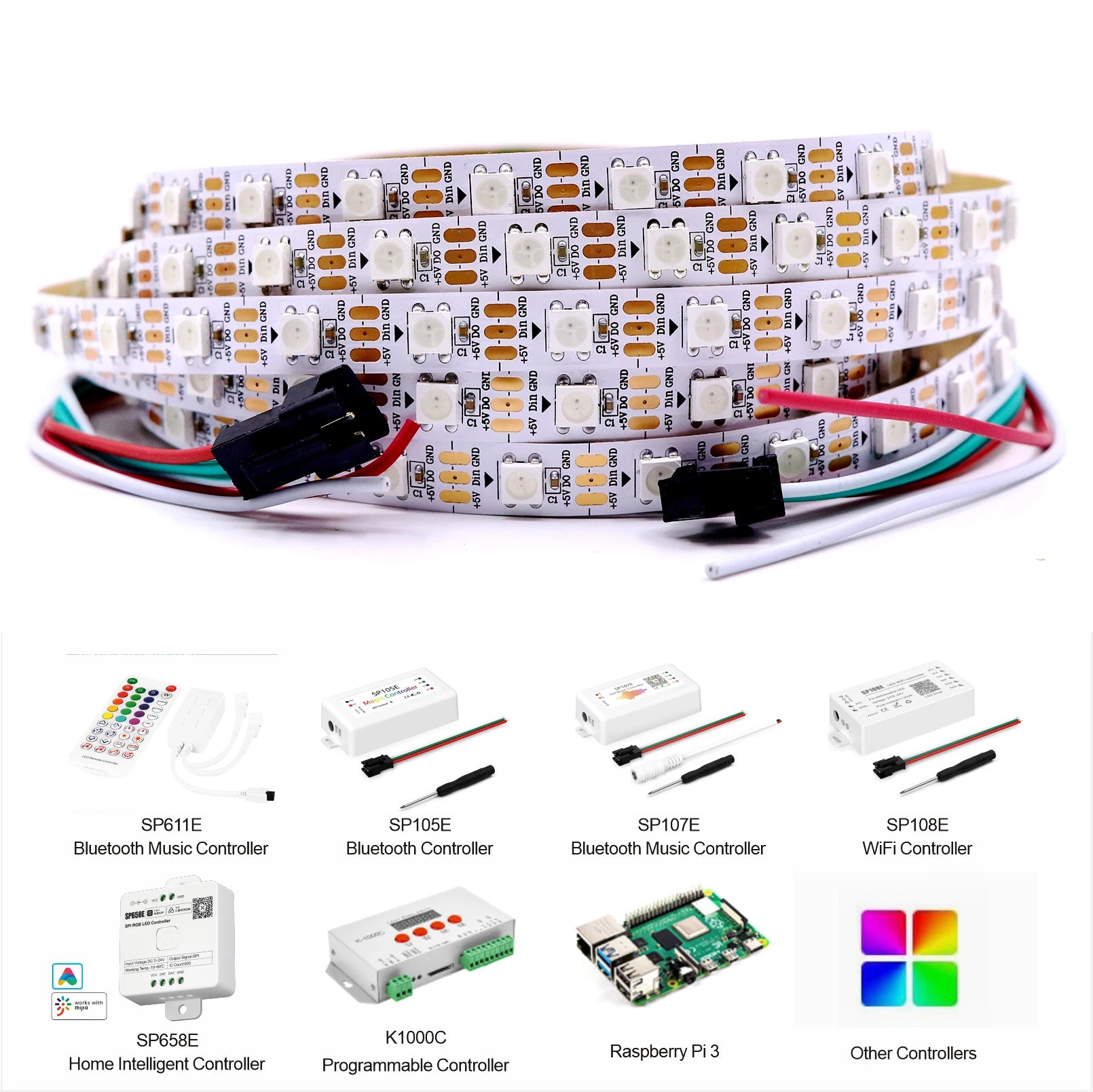
It is built for makers and smart home enthusiasts. It connects to microcontrollers and home automation platforms such as Arduino, Raspberry Pi and WLED, and it comes in enough combinations of density, length, board color and sealing to suit almost any project, indoors or out.
What makes the smart pixel strip stand out
Addressable pixels come first. With a WS2812B chip at every LED, patterns travel along the strip rather than the whole strip changing at once. That opens up animations, gradients, clocks, meters and effects that respond to music, games or data from a home automation system.
Compatibility is the second strength. The strip works with Arduino, Raspberry Pi and WLED, so you can write your own sequences or use the effects built into WLED. For many makers, that freedom is exactly why they choose a WS2812B strip.
The range of options is the third. Choose a black or white board. Choose IP30 for dry indoor runs, or IP65 or IP67 for damp spots, with the IP67 versions fully encased in clear silicone tubing. Choose 30, 60, 74, 96 or 144 LEDs per meter, and a length from 3.3 to 16.4 feet. The strip is about 0.39 inches wide, or 0.47 inches with the IP67 coating.
Where it looks best, around the home
- Gaming rooms. Animated effects along a desk or behind a monitor.
- Home theaters. Custom ambient scenes around a screen.
- Smart homes. Status lights and scenes driven by a home automation platform.
- Shelves and cabinets. Pixel effects that make displays come alive.
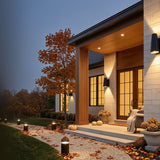
- Outdoor accents. IP67 versions for porches, eaves and holiday displays.
It suits anyone comfortable with a little setup and wiring, and it rewards that effort with lighting no fixed strip can match.
Choosing the size and placement
Start with the environment: IP30 for dry indoor runs, IP65 or IP67 where moisture is possible. Then choose the density, from 30 to 144 LEDs per meter, and a length from 3.3 to 16.4 feet.
- Higher densities give smoother animations; lower densities suit simpler effects.
- Plan the run and the power injection points before cutting.
- Avoid sharp bends at LED positions, which can damage the strip.
- Store spare strip coiled loosely to prevent kinking the data line.
Remember that no controller and no power supply are included. The strip requires a 5V supply and a compatible controller, so choose both before ordering to keep the project straightforward.
Layering it with other lighting
A pixel strip is an effects layer. It brings motion and color, while ceiling lights and lamps handle everyday tasks. In a gaming room or a theater, it sets the mood when the main lights are off; in a smart home, it can double as an information display.
For strips that work straight out of the box, the LED strip lights collection has USB and app controlled options. For outdoor accents without a controller, the outdoor LED strip lights collection has ready to install strips.
Program a calm default scene for everyday use and save the dramatic effects for games, films and parties. Constant fast animation can become tiring, while a slow color wave or a gentle breathing effect stays pleasant for hours.
Power planning makes or breaks a pixel project. Longer runs and higher densities draw more current, so plan power injection points along the run to keep the colors accurate from the first pixel to the last. Getting this right at the start saves hours of troubleshooting later.
Care is simple. Wipe the strip with a soft, dry cloth, keep IP30 versions away from moisture, and wipe IP67 versions with a damp cloth if needed. Treat the strip gently at the LED positions and it will stay reliable for a long time.
Diffusion changes the character of the light. Mounted in an aluminum channel with a frosted cover, the pixels blend into a smooth line that suits ambient scenes behind a TV or along a shelf. Left bare, each pixel shows as a crisp point, which suits pixel art, retro effects and displays where the individual lights are part of the look. Decide which look you want before mounting, since it changes how every animation appears.
Test the whole run on a bench before installing it. Lighting every pixel once confirms the data direction, the connections and the power supply, and it is far easier to solve a problem on a table than behind furniture or along a ceiling.
Finally, label the controller end of each run during installation. When a strip is tucked behind a desk or a cabinet, knowing where the data enters saves time whenever you change the setup later.
Is the smart pixel strip right for your project?
It is a strong fit if you:
- Want individually addressable pixels for custom effects.
- Use Arduino, Raspberry Pi, WLED or a home automation platform.
- Need a choice of density, board color and water resistance.
- Are comfortable adding a power supply and a controller.
It is not the right choice if you want a light that works straight out of the box. A plug in USB strip or an app controlled strip would suit that need better.
Shipping is free across the US, and most orders arrive in 6 to 9 business days. Unused items in their original packaging can be returned within 30 days, and questions about options are answered at info@norafurnish.com.