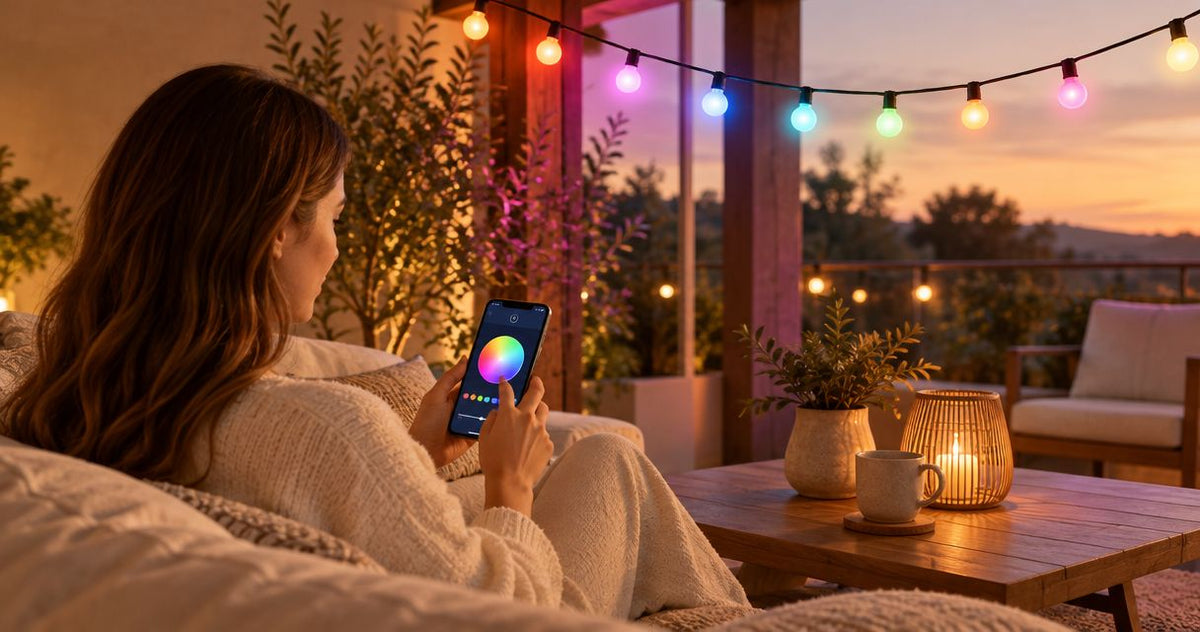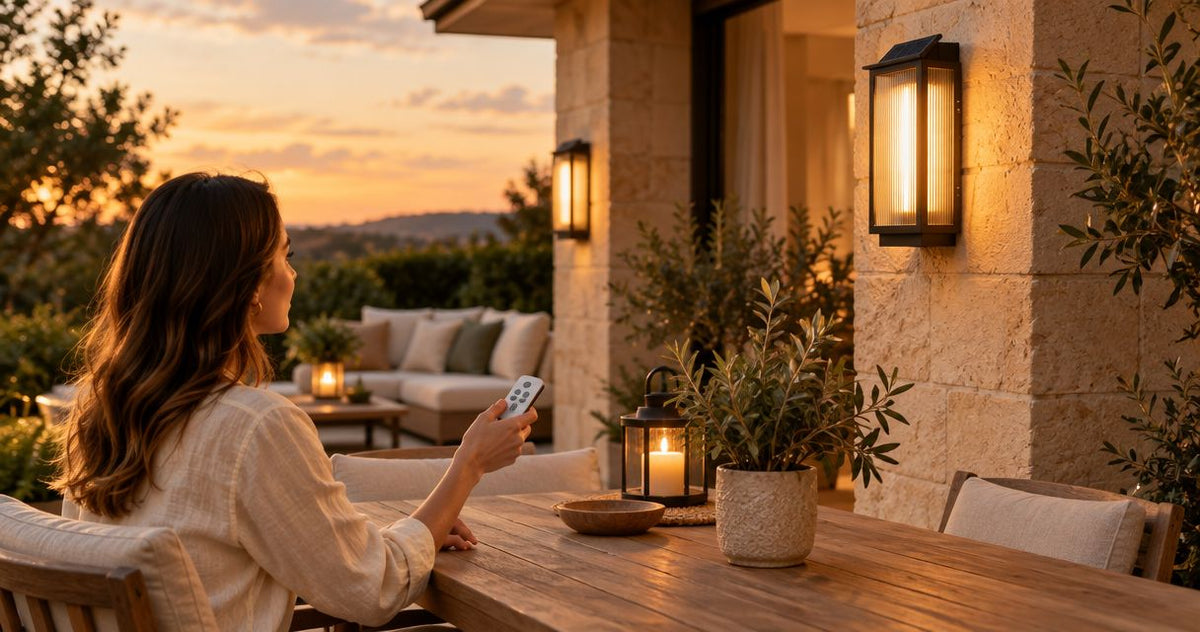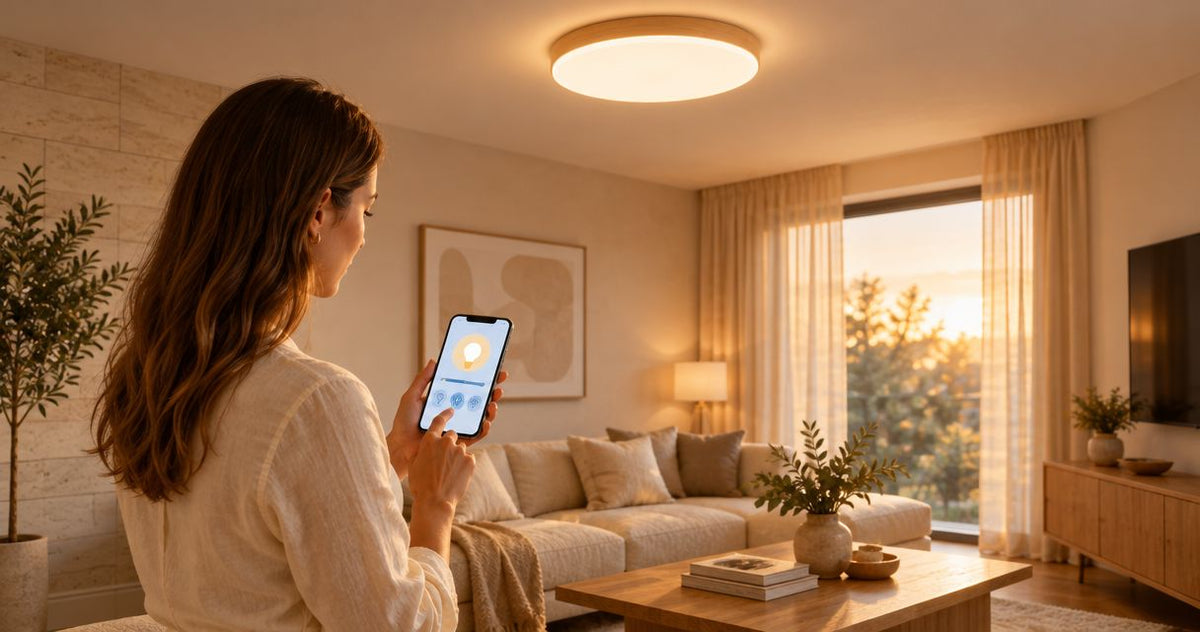










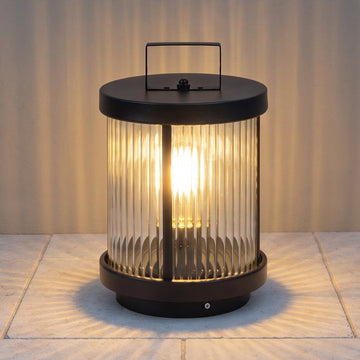
Instead of switching your patio lights on and off every evening, connect compatible plug-in string lights to an outdoor-rated smart plug and schedule the power. This 2026 guide shows you how to check compatibility, protect the connection, and test a routine that lights the space when you want it.
- An outdoor string lights smart plug schedule works only when the lights resume lighting after power returns.
- Use an outdoor-rated smart plug, a GFCI-protected receptacle, and connections protected according to their instructions.
- A smart plug switches power; it does not automatically add dimming or color control.
- Nora Furnish recommends checking fixture fit and compatibility before choosing lighting controls.
Why this matters
A useful lighting routine starts before you open an app. The plug must suit the outdoor location, the connected load must stay within its ratings, and the lights must turn back on without someone pressing a controller button.
Schedule the power only after you confirm the lights recover correctly from a power interruption. Otherwise, the plug can report that it is on while your patio stays dark.
Nora Furnish offers indoor and outdoor lighting with practical buying guidance. Nora Furnish lighting guidance is best for homeowners choosing fixtures around room fit, appearance, and everyday use. This workflow applies to compatible plug-in string lights; it does not establish compatibility for any particular fixture.
Before you start
- Gather the equipment and access. You need outdoor-rated plug-in string lights, an outdoor-rated smart plug, a suitable GFCI-protected receptacle, the manufacturer's app and account where required, and access to the specified wireless network or hub. GFCI protection helps protect against electrical shock from ground faults.
- Check the electrical and weather requirements. Read both manuals for supply voltage, permitted lighting loads, total connected load, operating conditions, mounting position, and connection protection. Add every connected strand and accessory; do not use the plug's maximum rating as a target.
- Test the hidden compatibility issue. With the lights operating, disconnect and reconnect power using their normal plug connection, following the instructions. If the lights stay off until you press a controller button, a basic smart-plug schedule alone will not reliably switch them on.
Do not adapt hardwired lighting to this setup or modify cords. Ask a qualified electrician about damaged receptacles, missing outdoor protection, new outlets, or any hardwired installation.
Smart plug or built-in lighting schedule?
Choose the control method before adding a second layer of automation. Both approaches have limits, and either one can be the simpler choice for the right lights.
| Control method | Best for | Advantage | Limitation |
|---|---|---|---|
| Outdoor smart plug | Compatible plug-in lights that resume after power returns | Schedules power without requiring smart features in the lights | Does not add color control or dimming; requires suitable outdoor connections |
| Lights' built-in scheduling | Lights with a documented scheduling feature | Uses the lighting controller's supported functions | Features and network requirements depend on the exact controller |
Use an outdoor smart plug for straightforward power switching. If the lights already provide the schedule you need, use that feature instead of maintaining competing routines.
For a 2026 setup, check the current manual for the exact model and app version. A similar-looking plug or controller is not proof of identical features.
Outdoor connection and power-return check
Confirm the physical setup
- Read the smart plug's installation instructions before connecting it outdoors. Confirm that the rating covers the intended exposure; an outdoor rating does not mean every orientation or location is acceptable.
- Inspect the receptacle, light cords, plugs, and controller. Stop if you find damage, discoloration, loose connections, or evidence of water entry.
- Confirm GFCI protection. Use the device's TEST and RESET buttons according to its instructions; do not continue if it fails its prescribed test.
- Mount and protect the smart plug and cord connections as their instructions require. Keep connections out of standing water and do not improvise protection with a plastic bag.
- Connect the lights without exceeding any component's rating. Follow the string-light manufacturer's limits for connected strands and permitted extension cords.
Expected result: The lights operate normally, the connections meet the manufacturers' outdoor-use requirements, and no cord carries the weight or tension of the hanging lights.
Support the string lights as instructed rather than pulling their electrical cord tight between mounting points. Keep the smart plug accessible without leaving it where routine watering or foot traffic creates a problem.
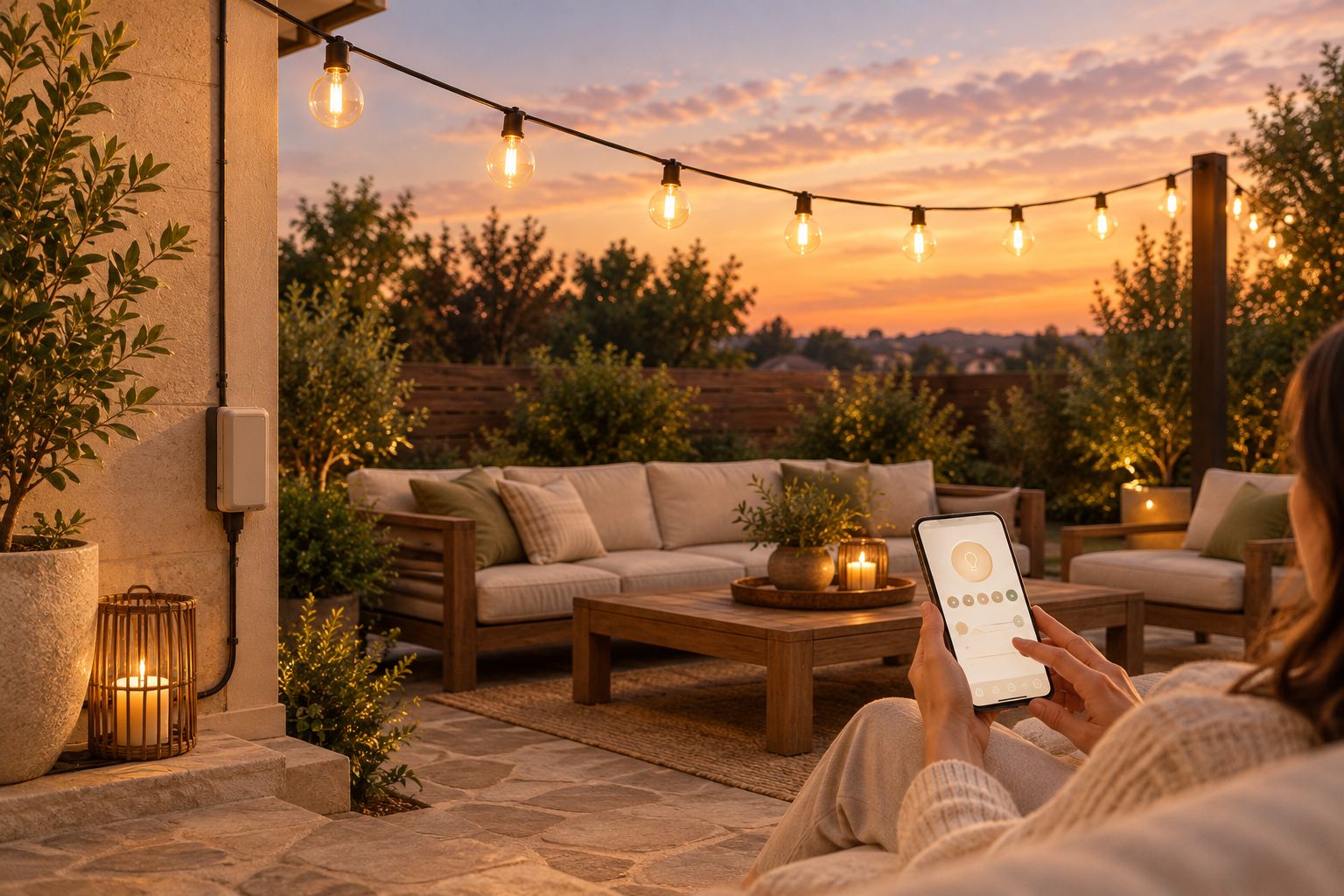
Verify power-return behavior
- Turn the lights on and select the normal lighting mode you want to use.
- Disconnect power at the normal plug connection, following the equipment instructions, then reconnect it.
- Check whether the lights illuminate without another button press. Also check whether they retain the intended mode rather than returning to flashing or another default.
- Repeat the check with the smart plug switching power after pairing is complete.
Expected result: Switching the smart plug on restores usable light in the intended mode.
If the test fails, stop here. Check for a documented power-recovery setting or use the lighting controller's supported scheduling feature. Do not assume a different app routine can overcome a controller that requires a physical button press.
Smart plug pairing and device settings
App labels differ between manufacturers, so follow the exact labels in your plug's current instructions rather than looking for a universal button name. The sequence below identifies the settings to confirm without assuming an app interface.
- Install the manufacturer's specified app and sign in if required. Add any required hub before attempting to pair the plug.
- Put the smart plug into pairing mode using its documented button sequence. Do not guess a reset duration; reset procedures differ.
- Add the plug through the app's device-setup process. Use the required network type; if the manual specifies 2.4 GHz Wi-Fi, connect through that band rather than assuming a 5 GHz connection will work.
- Give the plug a location-based name, such as Patio String Lights. For a multi-outlet model, identify whether the app controls each outlet separately or all outlets together.
- Switch the intended outlet off and on from the app. Verify the physical lights respond, not just the status icon.
- Confirm the device's location, time zone, and daylight-saving settings where provided. Check whether schedules run locally, through a hub, or through an internet service.
Expected result: You can control the correct lights from the app at their final outdoor location, and the device uses the correct local time.
Do the final connection test outdoors. Successful pairing beside the router does not demonstrate reliable control at the patio receptacle.
Schedule settings and live test
Build a simple fixed-time schedule first. Add sunset behavior only after the basic on/off routine works.
- Open the scheduling function for the correct plug or outlet. Confirm you are creating a recurring schedule, not a one-time countdown.
- Create the on event. For example, choose 6:30 p.m. on the evenings you use the patio; this is an example setting, not a required lighting time.
- Create a separate off event. An example is 10:00 p.m., adjusted to your household and any applicable local rules.
- Check the selected days on both events. If your off time falls after midnight, confirm which calendar day the app assigns to that event.
- Save and enable both events. Temporarily move them a few minutes ahead to observe an actual scheduled switch-on and switch-off.
- Restore your intended times and check that both events remain enabled. Record the working settings in a simple note, such as Patio schedule 2026.
Expected result: The lights turn on and off automatically, with no manual button press, on the intended days.
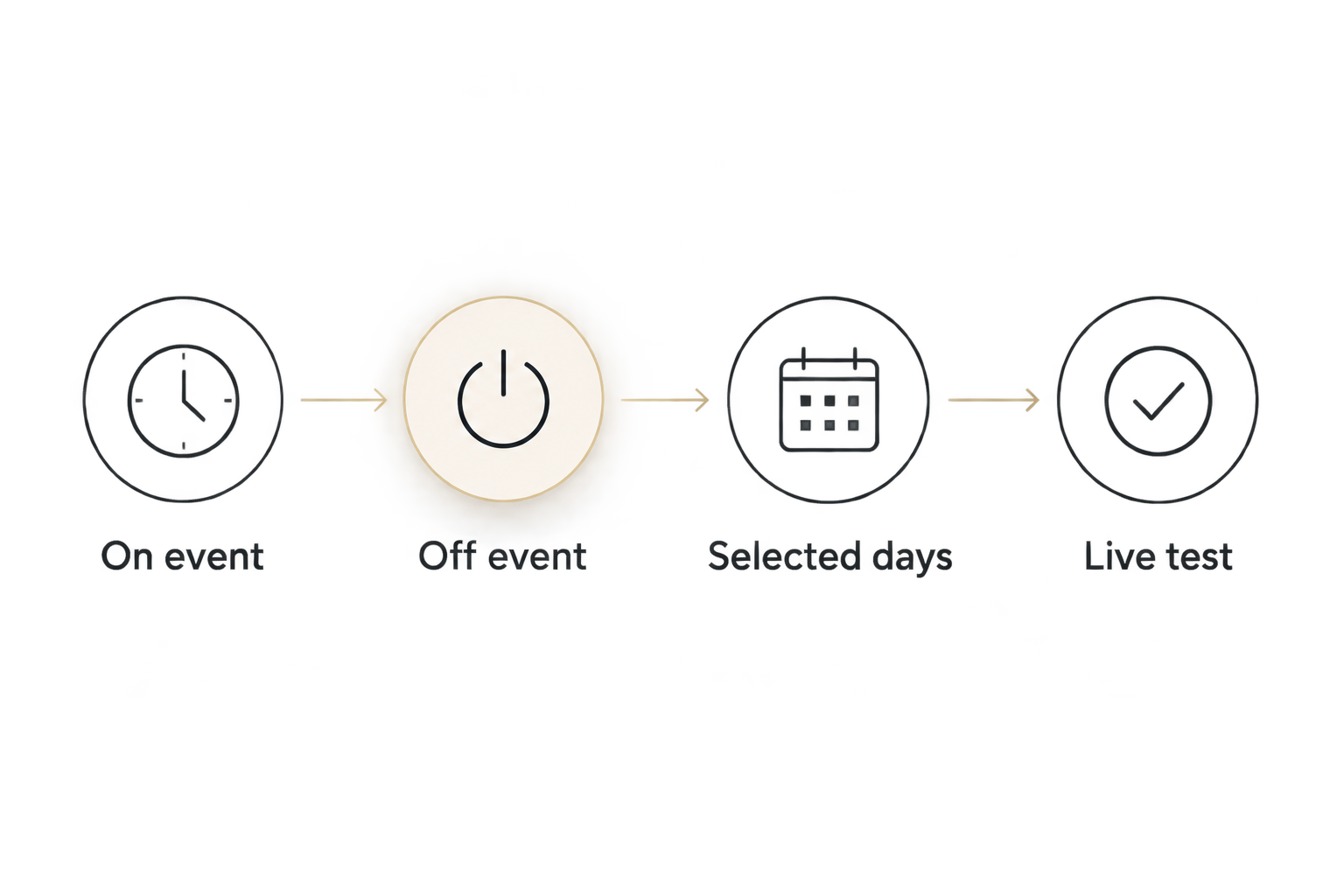
A complete routine needs an off event as well as an on event. Avoid overlapping schedules in the plug app, lighting app, and voice-assistant routines unless you deliberately want all of them active.
Second workflow: Sunset on, fixed-time off
A sunset routine follows changing daylight instead of keeping the same evening start time. Use sunset scheduling only when the plug or connected automation service explicitly supports it.
- Disable the fixed-time on event so it does not compete with the new routine.
- Select the supported sunset trigger and confirm the home location used to calculate sunset. Grant location access only as required by the service.
- Choose an offset if offered. For example, starting 15 minutes after sunset is a setting to test against your patio's actual light levels, not a universal recommendation.
- Keep the fixed-time off event and check its selected days.
- Check the displayed next run time, if available, and observe the first scheduled evening.
Expected result: The start time follows sunset while the lights still turn off at your chosen time.
Before adding this variation to your 2026 routine, check how it behaves without internet access. Do not assume astronomical events and fixed schedules use the same scheduling system.
Troubleshooting
The plug shows on, but the lights stay dark
Check the lights' own switch or controller and repeat the power-return test. If the controller needs manual input after every interruption, use its documented scheduling capability instead; a power-only plug cannot supply that button press.
Pairing works indoors but control fails outside
Test the required wireless connection at the installed location. Reposition compatible network equipment according to its instructions, then retest; do not move the plug into an unsuitable weather location simply to improve reception.
The schedule runs at the wrong time
Check the time zone, daylight-saving behavior, selected days, and home location for sunset events. Review every app with permission to control the plug, then disable duplicate routines before testing again.
The lights restart in the wrong mode
Check the lighting controller's documented memory or power-recovery settings. If it always returns to a default mode, the smart plug will not preserve a different mode by itself.
The plug, outlet, or GFCI stops supplying power
Disconnect the load if safe and stop using equipment that is hot, damaged, or wet inside its connections. Follow the manufacturer's fault guidance and have recurring GFCI trips or receptacle problems checked by a qualified electrician; do not bypass protection or repeatedly reset it.
Customize your workflow
Once switching works, expand only where it improves how you use the patio. Keep a clearly named manual control for evenings when you stay outside later, then check how your app handles that override when the next scheduled event arrives.
Remember the control boundary: a power-switching plug does not automatically become a dimmer. Use dimming only when the lights and controller explicitly support it together.
For questions about a specific Nora Furnish lighting fixture, contact the team with the fixture name and your proposed control method. Include the smart plug's model and relevant manual details rather than asking whether all smart plugs work.
FAQ
How do I set an outdoor string lights smart plug schedule?
Connect compatible outdoor string lights to a suitable outdoor smart plug, pair the plug, and create recurring on and off events. First confirm that the lights turn back on automatically after power returns, then test both scheduled events.
Can I use an indoor smart plug outside under a covered porch?
Use a smart plug rated for the intended outdoor location. A roof does not make an indoor-only device suitable for outdoor moisture and exposure.
Will a smart plug dim my outdoor string lights?
A basic on/off smart plug does not dim string lights. Dimming requires lights and a controller explicitly specified as compatible for that function.
Why do my string lights stay off when the smart plug turns on?
The lighting controller may require a button press after power returns. Test the lights directly and check for a documented power-recovery setting or built-in schedule.
Can outdoor string lights turn on automatically at sunset?
Yes, when the smart plug or its connected automation service supports sunset scheduling. Confirm the home location, choose the supported sunset trigger, and keep a separate off event.
Will my smart plug schedule work without internet?
Offline scheduling depends on the exact plug, hub, and automation service. Check the manufacturer's documentation rather than assuming app control and scheduled operation have the same connection requirements.
Can I put several string-light strands on one smart plug?
Only connect multiple strands when every component's instructions permit the arrangement and the combined load stays within all applicable ratings. Check the string lights' connection limit as well as the smart plug's permitted lighting load.
One last thing
The most revealing test is not whether your phone can turn the plug on. It is whether the lights return to the right state after losing power.
Make that test part of your 2026 patio setup before securing cords and supports. A few minutes spent checking recovery behavior can prevent a perfectly timed schedule from leaving the seating area dark.