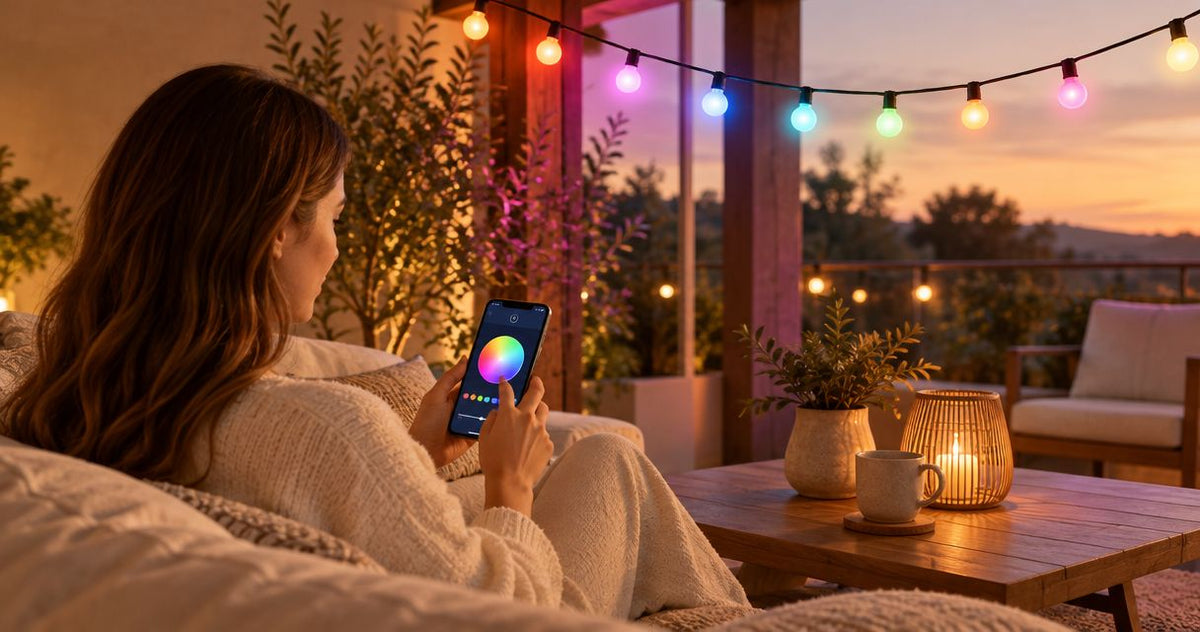









Instead of reopening your addressable LED strip controller app to rebuild the same evening lighting, match the strip to a compatible controller, configure its LED output, and save a preset you can recall. This guide uses WLED as a practical setup example; controllers with a manufacturer-specific app need their own documented pairing procedure.
- WLED is a practical addressable LED strip controller app option when the controller and strip protocol are compatible.
- Match voltage, LED protocol, data direction, and controllable pixel count before configuring effects.
- Save a comfortable static-light preset before adding schedules or animated effects.
- Nora Furnish lighting guidance focuses on room fit; verify smart-controller compatibility for each individual fixture.
Why this matters
An app cannot correct incompatible hardware. Addressable strips need a controller that sends the right digital instructions, not just a device that changes brightness or supplies power.
For a living room, the useful outcome is predictable light behind a shelf or cabinet—not a setup that needs troubleshooting whenever you want a quiet evening. Establish reliable static light before trying animations.
Nora Furnish is best for homeowners choosing indoor and outdoor lighting to fit a real room. When combining decorative fixtures with strip lighting, keep their controls separate unless compatibility is explicitly documented; the LED wall sconce dimmer guide covers a different control method.
Before you start
- Hardware documentation: Gather the strip's voltage, LED chipset or protocol, controllable pixel count, and controller compatibility list. Use an appropriately rated power supply and the manufacturer's approved connection method. A 5 V strip and a 12 V strip are not interchangeable.
- Network and device access: Have the controller instructions, your home Wi-Fi credentials, and a phone or computer. For the WLED workflow below, the controller must already run WLED; installing firmware is outside this guide. Use the Wi-Fi band supported by the exact controller, commonly 2.4 GHz on WLED hardware.
- The easily missed gotcha: Physical LEDs and addressable pixels are not always the same count. Some strips control groups of LEDs together. Confirm the controllable pixel count before filling in the output length.
For a 2026 installation, keep a setup record with the controller model, firmware version, strip specification, and power-supply rating. Follow the supplied instructions for low-voltage connections; have a qualified electrician handle hardwired power supplies or any mains electrical work.
Choose the controller interface
The controller determines which interface you can use. Installing an unrelated lighting app does not make a controller compatible with that app, and Bluetooth pairing does not replace Wi-Fi setup on a Wi-Fi-only device.
| Control option | Best for | Advantage | Limitation |
|---|---|---|---|
| WLED web interface | A controller already running compatible WLED firmware | Local access to output settings, segments, effects, and presets | Requires correct hardware configuration and network access |
| Controller manufacturer's app | A controller documented for that specific app | Follows the manufacturer's pairing and supported feature set | Functions and account requirements depend on the controller |
Choose the documented interface, not the app with the most appealing screenshots. WLED is a useful choice for configurable addressable lighting, but it does not remove the need to check electrical limits and supported LED protocols.
If your controller specifies a manufacturer app, use its manual for exact button names. Do not copy WLED output settings into an unrelated interface or assume that similarly named effects imply compatible hardware.
Hardware compatibility checks
Complete these checks with power disconnected. Do not cut, splice, or improvise connections to make an unfamiliar strip fit a controller.
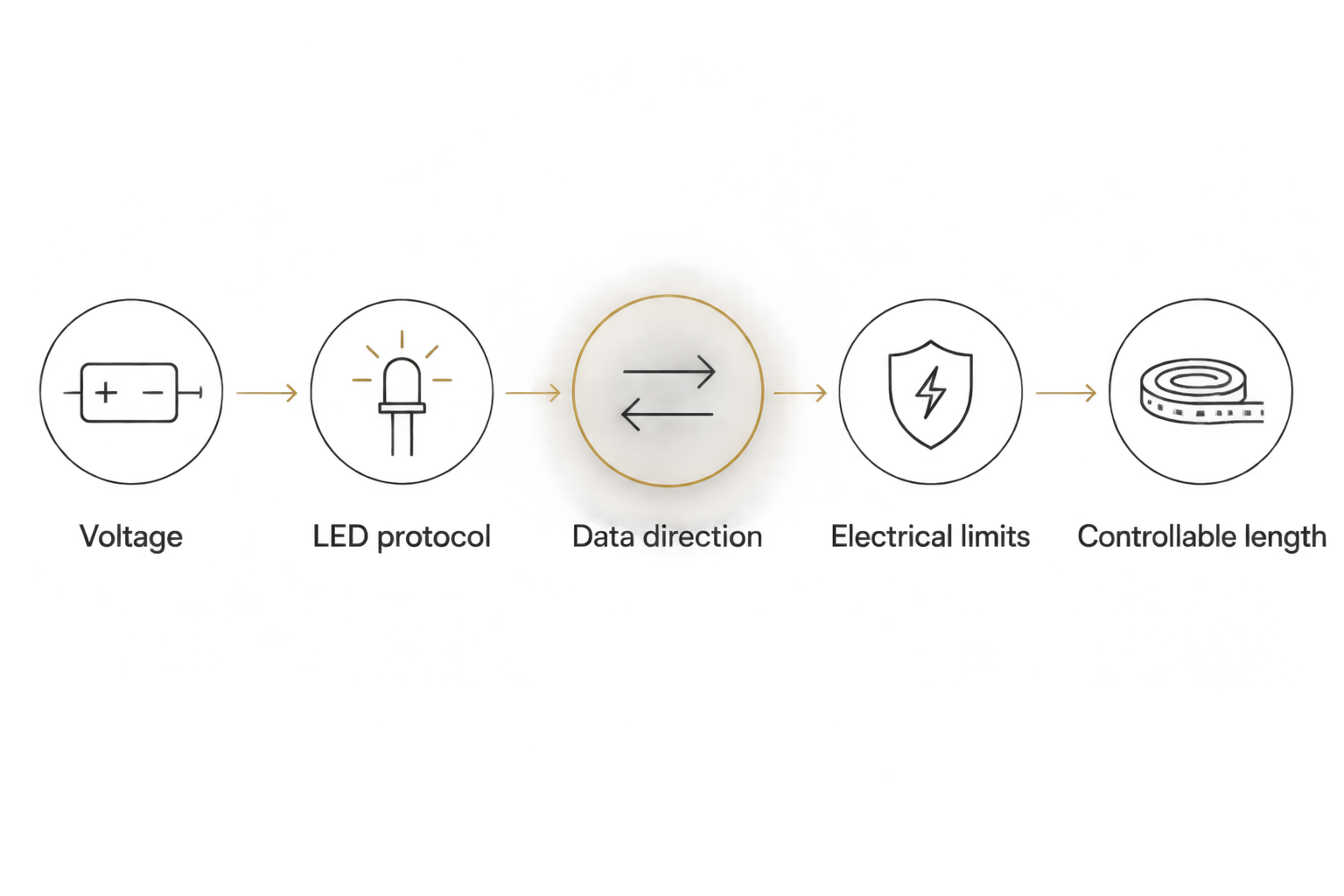
- Match the voltage. Read the markings on the strip and controller and the output label on the power supply. A controller's supported voltage range does not change the voltage your strip requires.
- Identify the LED protocol. Find the chipset or protocol in the strip documentation and confirm support in the controller documentation. A conventional analog RGB strip is not interchangeable with a digitally addressable strip.
- Confirm data direction. Locate the strip's documented data-input end. Matching connector shapes alone does not establish the correct input, pin assignment, or polarity.
- Check electrical limits. Compare the planned installation with the documented controller, connector, cable, and power-supply limits. Use the manufacturer's power-distribution guidance rather than a generic strip-length rule.
- Record the controllable length. Note the number of addressable pixels assigned to each output. Record grouped-pixel behavior separately so you do not confuse visible LED count with software length.
Expected result: You have a documented hardware match and an output plan before applying power. Stop if any voltage, pin assignment, or power requirement remains uncertain.
The compatibility check also protects the room plan. A strip that only supports grouped control cannot produce the same fine-grained effects as one with individually controlled LEDs, even when both connect successfully.
WLED network setup
Use these instructions for a controller already running WLED. Keep the manufacturer's supplied enclosure and approved power arrangement intact throughout setup.
- Power the controller according to its instructions. On a new or reset WLED installation, connect your phone or computer to the controller's setup access point, commonly named WLED-AP. Use the device documentation for its credentials.
- Open the setup interface using the address supplied in the controller instructions. If your phone reports that the setup network has no internet, remain connected while completing local setup.
- Open Config, then WiFi Setup. Enter your home network credentials in Network name (SSID) and Network password. Check capitalization and select a network supported by the controller.
- Select Save & Connect. Return your phone or computer to the home network after the controller reconnects.
- Find the controller's assigned address through your router's connected-device list, then open that address in a browser. Bookmark the working address or use your router's documented address-reservation feature.
Expected result: The WLED interface opens while your phone and controller are on the same home network. A successful connection to the temporary setup access point alone is not the finished result.
For your 2026 setup record, note how you found the controller on the network. A remembered device name is useful, but it is not proof that the controller still has the same network address.
WLED output and preset settings
Configure the strip before creating a room scene. Start with restrained brightness and keep the strip arranged as directed by its manufacturer during testing; do not operate it tightly coiled unless the instructions expressly permit it.
- Open Config, then LED Preferences. In the LED output settings, select the output type that matches the documented strip protocol. Do not select a type simply because its name looks familiar.
- Confirm the GPIO assignment against the controller manufacturer's WLED configuration instructions. This is the controller's data-output pin assignment, not a brightness setting; do not guess it.
- Set Length to the documented controllable pixel count for that output. Leave unrelated outputs unchanged unless your installation uses them.
- Set Color Order according to the strip documentation and save the settings. Return to the main control screen and select a static effect at low brightness.
- Test red, green, and blue separately. If the colors are swapped but the strip otherwise responds consistently, correct the color order rather than changing the voltage or randomly changing output pins.
- Choose a comfortable static color and brightness. Open Presets, select Create preset, give it a descriptive name such as Evening shelf, and select Save. Test recall after changing the light to another setting.
Expected result: The intended strip length responds, selected colors match the output, and the saved preset restores your chosen appearance.
Check light from the sofa as well as beside the strip. A bright reflection on a television or exposed LED points can make an otherwise successful installation uncomfortable.
A saturated RGB mix is not a substitute for evaluating usable white light. If everyday white lighting matters, check the strip's documented white-light capability and color quality before purchase, not after app setup.
Second workflow: update a scene without rebuilding it
Best for: A shelf or media-wall installation that needs a different evening appearance without changing its hardware configuration.
A saved preset handles the lighting state; the output configuration handles the physical strip. Keep those jobs separate when you revise your room lighting.
- Recall the existing preset, then adjust its color, brightness, or effect on the main screen.
- Save the revised state as a separate preset while testing. Use names that describe the room outcome rather than the date alone.
- Recall both presets from your normal seating position. Keep the version that avoids glare and gives the room the atmosphere you intended.
- If you use a documented timer or home-automation integration, point it to the tested preset. Verify the trigger through that system's instructions rather than assuming a preset schedules itself.
Expected result: You can change the room's lighting scene without altering its LED protocol, GPIO assignment, or physical pixel count.
If you change the strip itself during 2026, repeat the hardware checks. A new strip is a configuration change, even when it uses the same connector.
Troubleshooting
The controller will not join home Wi-Fi
Check the network name, password, and supported Wi-Fi band first. During commissioning, keep your phone and controller on the same ordinary home network; guest-network isolation can prevent local devices from communicating. Follow the controller's documented recovery procedure if credentials need correcting.
The controller connects, but the strip stays dark
Disconnect power before checking manufacturer-approved connections. Recheck strip voltage, data-input direction, selected protocol, GPIO assignment, and output length against the documentation. Do not increase supply voltage to troubleshoot darkness. Stop if components become unusually hot or show damage.
Red appears green, or other colors are swapped
Test static primary colors and correct Color Order when the strip responds consistently but displays the wrong channels. Erratic flashing is a different symptom; investigate the documented signal and power requirements rather than cycling through color orders indefinitely.
Only part of the strip responds
Compare Length with the controllable pixel count, including any grouped LEDs. If the settings are correct, check documented segment boundaries and the manufacturer's connection and power-distribution requirements. Software length cannot repair a damaged connection or overcome an electrical limit.
The strip flickers or the controller restarts
Stop animated testing and reduce brightness while investigating. Check supply capacity, connections, cable requirements, and controller limits against the installation documentation. WLED's software current limiting is not a replacement for correctly rated hardware, required protection, or safe installation.
Customize your workflow
Build complexity around a reliable baseline. Keep a static evening preset, add effects only when they serve the room, and document which settings belong to the strip rather than the scene.
For a 2026 room update, assess the strip alongside your lamps, sconces, and ceiling light. Nora Furnish lighting should be selected for its own documented controls; addressable-strip compatibility is never implied by an LED description.
Use Nora Furnish to consider the wider room-lighting plan. If a fixture's specifications leave a control question unanswered, ask for clarification before buying rather than planning an undocumented modification.
FAQ
What's the best addressable LED strip controller app?
The best app is the one supported by your controller and compatible with the strip's protocol. WLED is a practical option for controllers already running compatible WLED firmware; manufacturer-specific controllers require their documented interface.
Can I connect any LED strip to a smart controller?
No. The strip and controller must match on voltage, control protocol, connection requirements, and electrical limits. Analog RGB strips and digitally addressable strips use different control methods.
Do I need an app to use WLED?
No. WLED has a browser-based interface that you can access locally once the controller is connected to your network. A separate phone app is optional for this workflow.
Why does my phone connect to the controller but not control it later?
Connecting to the setup access point does not complete the controller's connection to your home network. Finish Wi-Fi setup, return your phone to that network, and open the controller's assigned address.
Why is my LED count different from the strip's advertised count?
Some addressable strips control groups of physical LEDs as a single pixel. Use the documented controllable pixel count for output length, not an assumed count based on visible LEDs.
Can an addressable controller dim my existing wall sconces?
Not unless the fixture and controller documentation explicitly support that connection. A wall sconce's dimming method is separate from addressable-strip data control; use a qualified electrician for hardwired changes.
What should I save after setting up my controller in 2026?
Save a tested static-light preset and record the controller model, firmware version, strip protocol, voltage, output assignment, and controllable length. Keep network passwords private rather than including them in a shared setup record.
One last thing
Test your finished setup after a normal power cycle, following the manufacturer's instructions. A preset that recalls correctly does not establish what happens when power returns; check the controller's startup behavior separately and choose a comfortable default before hiding the equipment behind furniture.