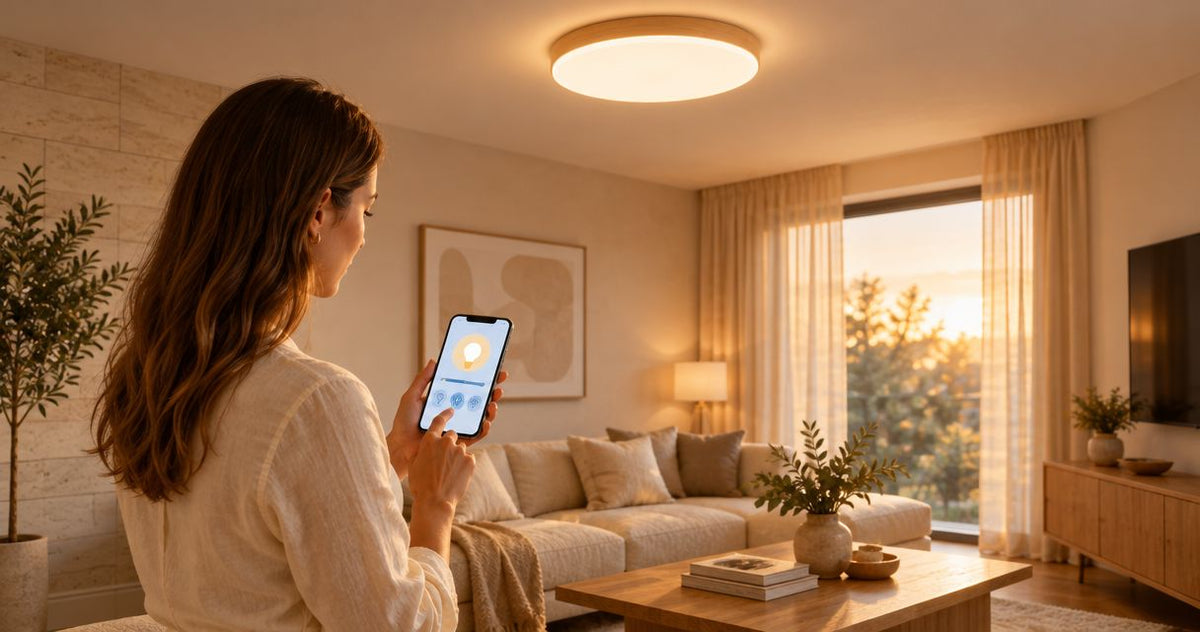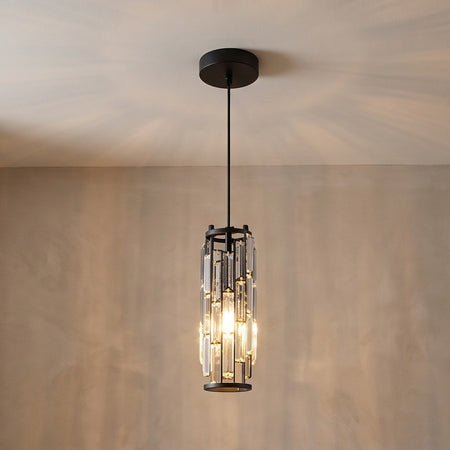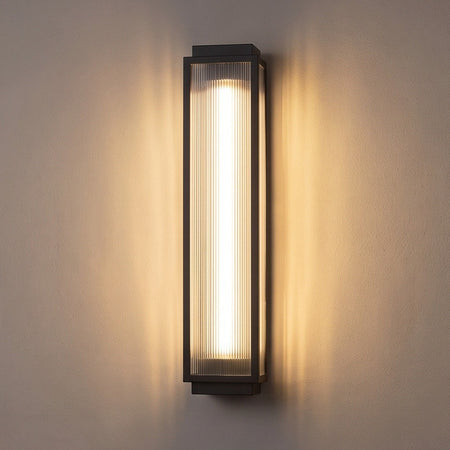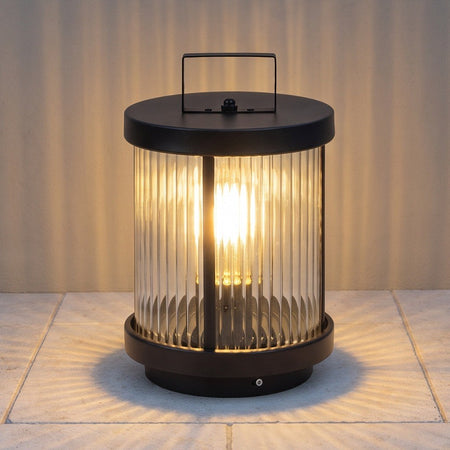











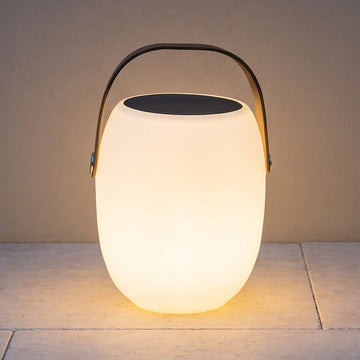

Instead of discovering a dim bedside lamp just when you want to read, build a rechargeable lamp charging routine around the lamp’s specified cable, compatible power source, and documented charge indicator. Charge during a convenient daytime window, then return the lamp to its usual spot before you need it.
- Rechargeable lamp charging starts with the manufacturer’s input requirements, not just a cable that fits.
- Nora Furnish lighting guidance suits homeowners choosing fixtures around everyday room use.
- USB cables and charging docks are not interchangeable unless the lamp’s instructions confirm compatibility.
- Build your routine around the documented full-charge indicator, not an assumed charging time.
Why this matters
A portable lamp is useful when it lights the place you actually sit: beside a reading chair, on a dining table, or next to the bed. A misplaced cable or incompatible adapter interrupts that convenience. Choose the charging arrangement as carefully as the lamp’s size and finish.
Nora Furnish lighting guidance is best for homeowners matching a fixture to everyday room use. For rechargeable models, that means checking how the lamp receives power, where you can charge it safely, and whether its documented runtime fits your evening.
For a 2026 lighting purchase, do not treat a familiar-looking connector as proof of compatibility. A plug’s shape tells you how it connects; the lamp’s instructions tell you what power source it needs.
Before you start
- Gather the lamp’s instructions and identification. Find the model name, charging input requirements, indicator explanation, and any restrictions on charging while illuminated. Keep the packaging label or order details handy if the instructions are separate.
- Prepare the specified charging equipment. Use the supplied cable, adapter, or dock where provided and directed. Choose a dry, stable charging location with an accessible outlet, away from sinks, bedding, and places where someone can snag the lead.
- Check the easily missed restriction. A cordless lamp is not automatically suitable for charging outdoors, charging while switched on, or charging through any USB adapter. Confirm each intended use before connecting it.
You do not need an app or account for this basic routine. Follow any model-specific activation instructions separately rather than assuming every rechargeable lamp works the same way.
Match the charging connection
Identify the lamp’s power requirements
- Read the lamp label. Find the charging input information on the lamp, its base, or the instructions. Do not confuse an adapter’s wall-power input with the output that supplies the lamp.
- Identify the specified connection. Check whether the lamp charges through a USB port, a dedicated socket, or a matching dock. Match the actual model rather than relying on photographs of a similar lamp.
- Compare the power information. Confirm the required voltage and the adapter requirements stated by the manufacturer. If several output modes appear on an adapter, verify compatibility rather than choosing a line that looks close.
- Resolve uncertainty before charging. If the label is missing or conflicts with the product details, ask the seller or manufacturer for the correct instructions. Do not experiment with spare adapters.
Expected result: You can identify the charging connection and explain which power source the manufacturer specifies.
For example, a stated input of 5 volts at 1 amp corresponds to 5 watts of electrical power. This arithmetic explains the units; it does not establish the correct charger for your lamp or predict how quickly its battery will charge.
Choose the connection your lamp actually supports
The table compares charging arrangements, not interchangeable upgrades. Use only the arrangement documented for your model.
| Charging arrangement | Best for | Practical advantage | Limitation to check |
|---|---|---|---|
| Direct USB cable | A lamp with a documented USB charging input | Connects directly without a separate charging base | Connector shape alone does not confirm electrical compatibility |
| Dedicated charging dock | A lamp designed for its matching dock | Gives the lamp a defined place to recharge | The dock must match the lamp; seating and contact condition matter |
| Model-specific adapter | A lamp requiring its designated power supply | Removes guesswork when the correct supplied equipment is identified | A replacement needs the manufacturer’s specified electrical and connector requirements |
A USB-C port does not make every USB-C charging combination suitable. Likewise, a round plug that fits a socket is not sufficient evidence that its voltage or polarity is correct.
Keep the charging instructions with your 2026 purchase records. A saved copy is more useful than trying to reconstruct the requirements after the original adapter gets mixed into a drawer.
Set up the charging location
Create a dry, stable charging station
- Choose a suitable surface. Put the lamp on a firm surface where it cannot easily fall, with the charger uncovered and ventilation unobstructed. Avoid beds, sofas, and locations exposed to splashes.
- Inspect the equipment. Look for damaged insulation, bent connectors, discoloration, moisture, or a loose charging socket. Stop if you find damage; do not hold a failing connection together with tape.
- Position the cable. Leave enough slack to connect without pulling on the port, but keep the lead out of walkways and away from table edges where it can catch.
- Connect as instructed. Follow the manufacturer’s connection sequence, including any directions for switching the lamp off or placing it on a dock. Never force a plug or improvise a dock alignment.
Expected result: The lamp sits securely, the connection is unstressed, and the equipment remains dry and uncovered.
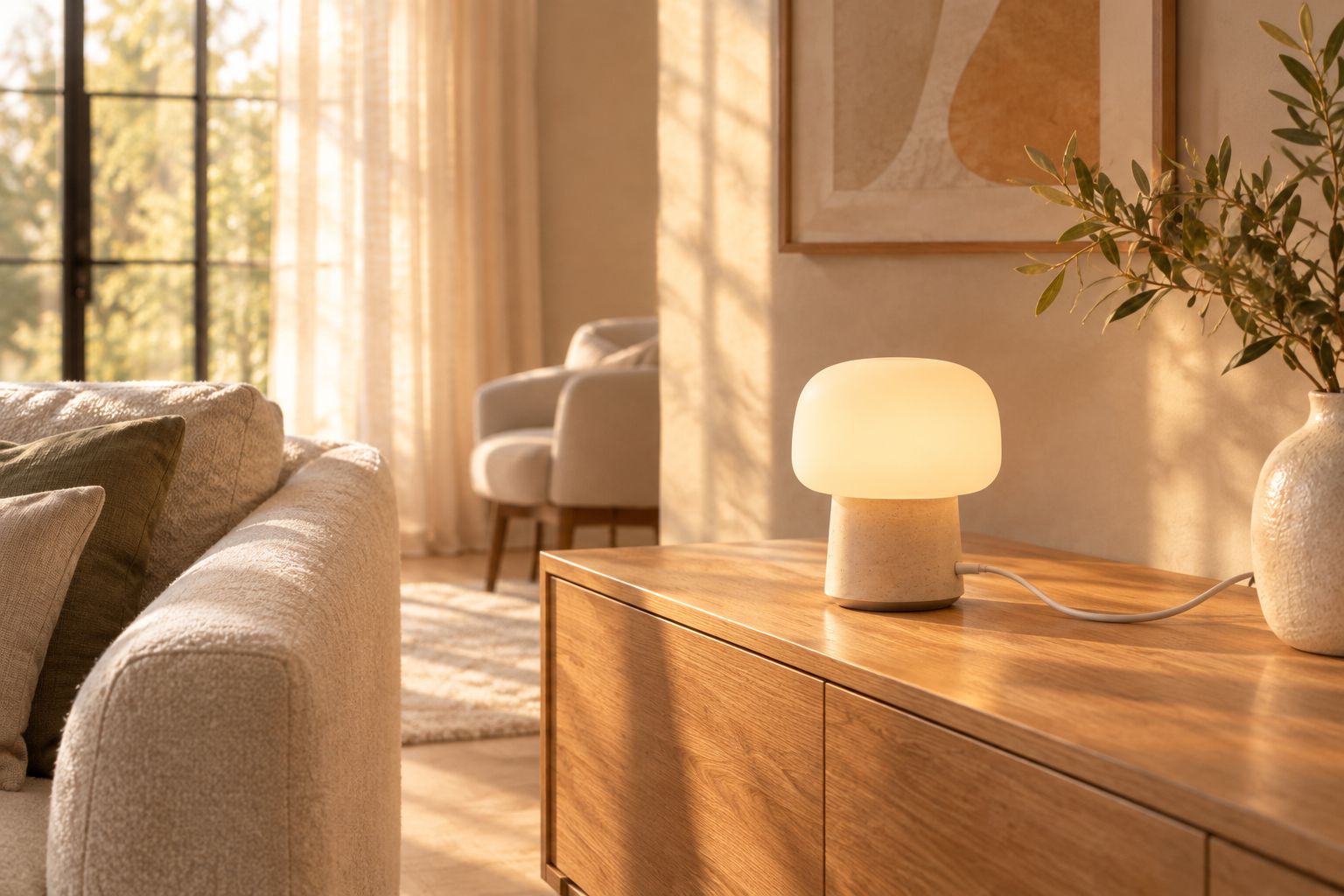
A convenient charging place reduces the temptation to balance the lamp beside a sink or trail a lead across the room. Choose somewhere you already visit during the day so checking the indicator becomes part of an existing habit.
Do not charge an outdoor lamp outside merely because its shade or body tolerates weather. The charging port, dock, and adapter have their own restrictions, and those restrictions govern the charging location.
Verify charging and build the routine
Check the indicator before walking away
- Find the documented charging signal. Read what the manufacturer says the indicator does during charging. A light changing color, flashing, or switching off has no universal meaning across lamps.
- Confirm the expected response. After connecting the equipment, compare the actual indicator with the instructions. Illumination from the lamp itself is not proof that the battery is charging.
- Follow the documented completion signal. Use the stated full-charge indication and charging directions rather than assuming every model needs the same number of hours.
- Check cordless operation. When charging is complete, disconnect as instructed and test the lamp at your intended brightness. Return it to its room only after confirming that it operates without external power.
Expected result: You have verified both the charging indication and cordless operation, rather than simply leaving a connected lamp unattended.
For a 2026 household charging checklist, write down the indicator’s meaning in plain language. A note such as “check the manual’s full-charge signal” is safer than remembering that a particular color always means ready.
Tie charging to when you use the room
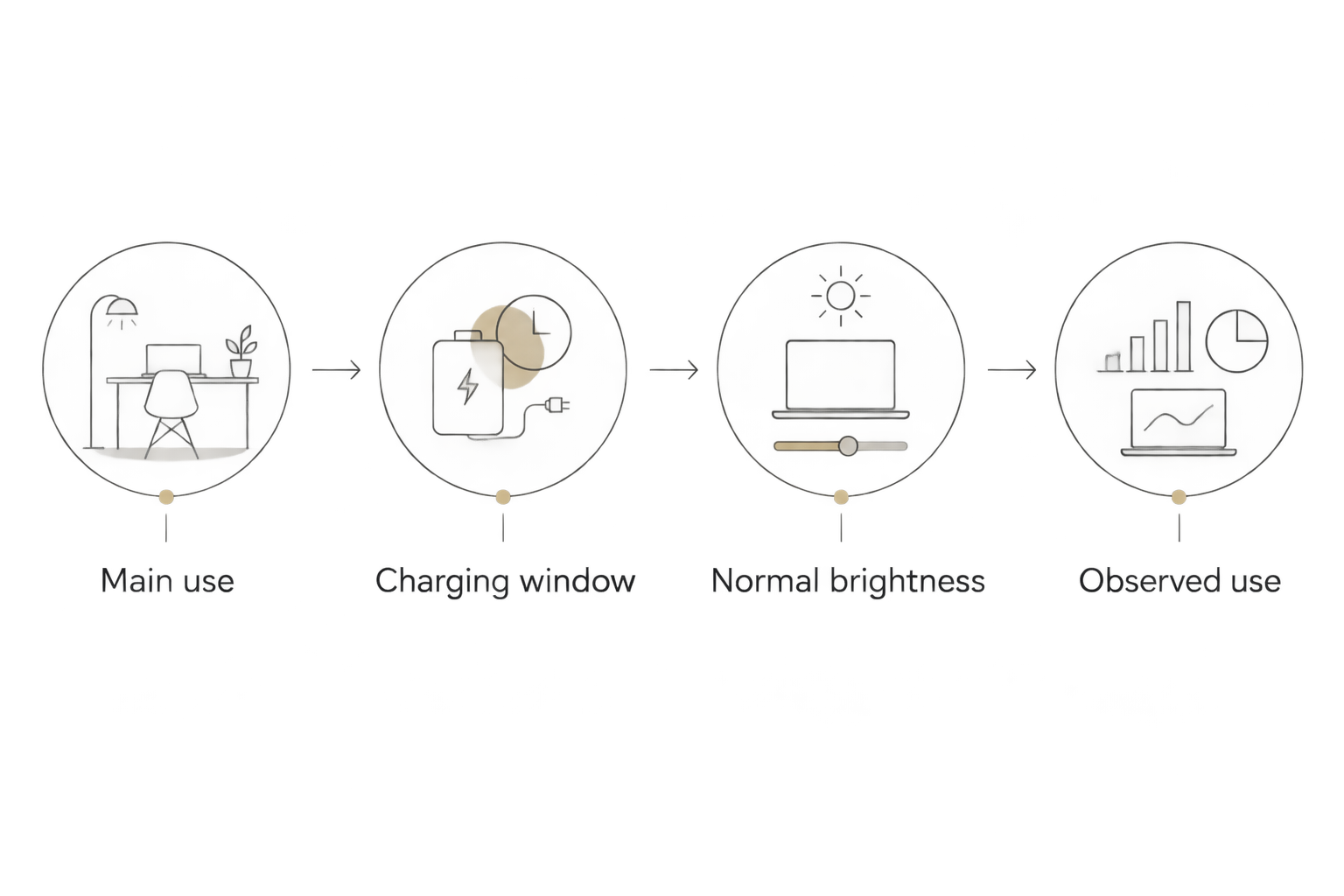
- Name the main use. Decide whether the lamp primarily supports bedside reading, dinner-table lighting, or movement between rooms. Start with the period when an interruption would bother you most.
- Choose an earlier charging window. Charge while you are awake and able to check the lamp, following its instructions. Avoid making the first charge a last-minute task before guests arrive or bedtime.
- Use your normal brightness. Check whether the lamp supports your actual routine at the setting you enjoy. A runtime claim tied to a dim setting does not establish runtime at maximum brightness.
- Adjust from observed use. If the lamp runs low before your evening ends, charge earlier or choose a lower setting that still lights the task comfortably. Do not accept inadequate reading light just to stretch the battery.
Expected result: Charging happens before the lamp is needed, and the routine reflects your room rather than an assumed battery duration.
Alternative workflow: keep a frequently moved lamp ready
A lamp that moves from a desk to a dining table needs a consistent return point. Use a home-base routine when the lamp changes rooms; use a scheduled charging window when it stays in one place.
For your 2026 room plan, choose one primary storage and charging location rather than leaving charging equipment in several rooms. The benefit is simpler equipment matching; the drawback is that you must bring the lamp back.
- Return the lamp to its designated location after the main period of use.
- Check whether it needs charging using the model’s indicator or instructions.
- Connect the specified equipment when charging is needed and follow the completion directions.
- Move the lamp back to the next room before you need it.
A compatible dock can serve as that return point if the lamp supports one. It is not a universal accessory, and leaving a lamp permanently connected is a separate question that requires the manufacturer’s approval.
Troubleshooting rechargeable lamp charging
The charging indicator does not appear
Check that the outlet or power source works, then check that the specified cable is fully seated without force. Confirm the indicator’s meaning in the instructions before deciding the lamp has failed.
If the equipment is undamaged but the lamp still shows no expected response, contact the seller or manufacturer. Do not repeatedly wiggle a loose socket to make it connect.
The lamp works while connected but stops when unplugged
Operation from external power does not prove that the battery has charged. Follow the complete documented charging process and test cordless operation again.
If the problem persists, request model-specific support. Do not open the base, bypass the charging circuit, or replace an internal battery unless the manufacturer provides an approved user-replacement procedure.
Charging repeatedly stops and starts
Inspect the cable connection or dock seating with power disconnected as directed. Remove only loose surface dust using the manufacturer’s cleaning method; do not insert metal tools into the port.
A connection that works only when the cable is bent needs attention, not a permanent makeshift position. Stop using damaged equipment.
The lamp becomes unusually hot or changes shape
Stop charging and stop using the lamp if you notice swelling, smoke, a burning smell, or other signs of damage. Disconnect power only if it is safe to do so, and keep people away from a smoking or burning device.
Do not recharge a damaged battery to test it. Follow local battery-disposal guidance and the manufacturer’s safety instructions; contact emergency services for an active fire.
Cordless runtime is shorter than expected
Compare your brightness setting and use conditions with any conditions attached to the published runtime. Higher light output generally requires more energy, so a low-setting runtime is not a promise for every setting.
If performance has changed substantially under the same conditions, ask for support rather than assuming a different charger will fix it.
Customize your workflow before buying
Make charging convenience part of your 2026 lighting shortlist. Ask for the charging method, included equipment, documented runtime conditions, indicator behavior, and whether use while charging is permitted. Also check the dimensions and how the light falls across the surface you want to illuminate.
Nora Furnish offers personal email help with lighting questions. Use the contact page to ask about a specific listing rather than assuming that an LED desk lamp is rechargeable or that a dimmable lamp supports cordless use.
A rechargeable lamp offers placement flexibility, but it adds a charging task. If uninterrupted task lighting matters more than moving the lamp, compare that trade-off before choosing.
FAQ
What is the right way to charge a rechargeable lamp?
Use the charging equipment and method specified for the exact lamp model. Check the documented charging indicator, follow the completion instructions, and verify cordless operation afterward.
Can I charge a rechargeable lamp with my phone charger?
Only use a phone charger if it meets the lamp manufacturer’s requirements. A matching connector does not by itself confirm electrical compatibility.
How do I know when my rechargeable lamp is fully charged?
Use the full-charge indication described in the lamp’s instructions. Indicator colors, flashing patterns, and lights switching off do not have universal meanings.
Can I leave a rechargeable lamp plugged in overnight?
Do not assume overnight charging is permitted. Follow the manufacturer’s charging and supervision instructions, and choose a daytime charging window when you can check the lamp.
Can I use a rechargeable lamp while it charges?
Use the lamp while charging only if its instructions explicitly permit it. Being able to switch it on while connected does not establish that this use is approved.
Can I charge an outdoor rechargeable lamp outside?
Charge outdoors only when the manufacturer explicitly permits that charging arrangement. The lamp’s outdoor suitability does not automatically cover an exposed charging port, adapter, or dock.
Why does my rechargeable lamp only work when plugged in?
The battery might not be charging or supplying power correctly. Verify the specified charging process and full-charge signal, then seek model-specific support if cordless operation still fails.
One last thing
The most useful charging test is not whether a light appears beside the port. It is whether the lamp works unplugged, at your preferred brightness, where you intend to use it. Make that check before putting the cable away.